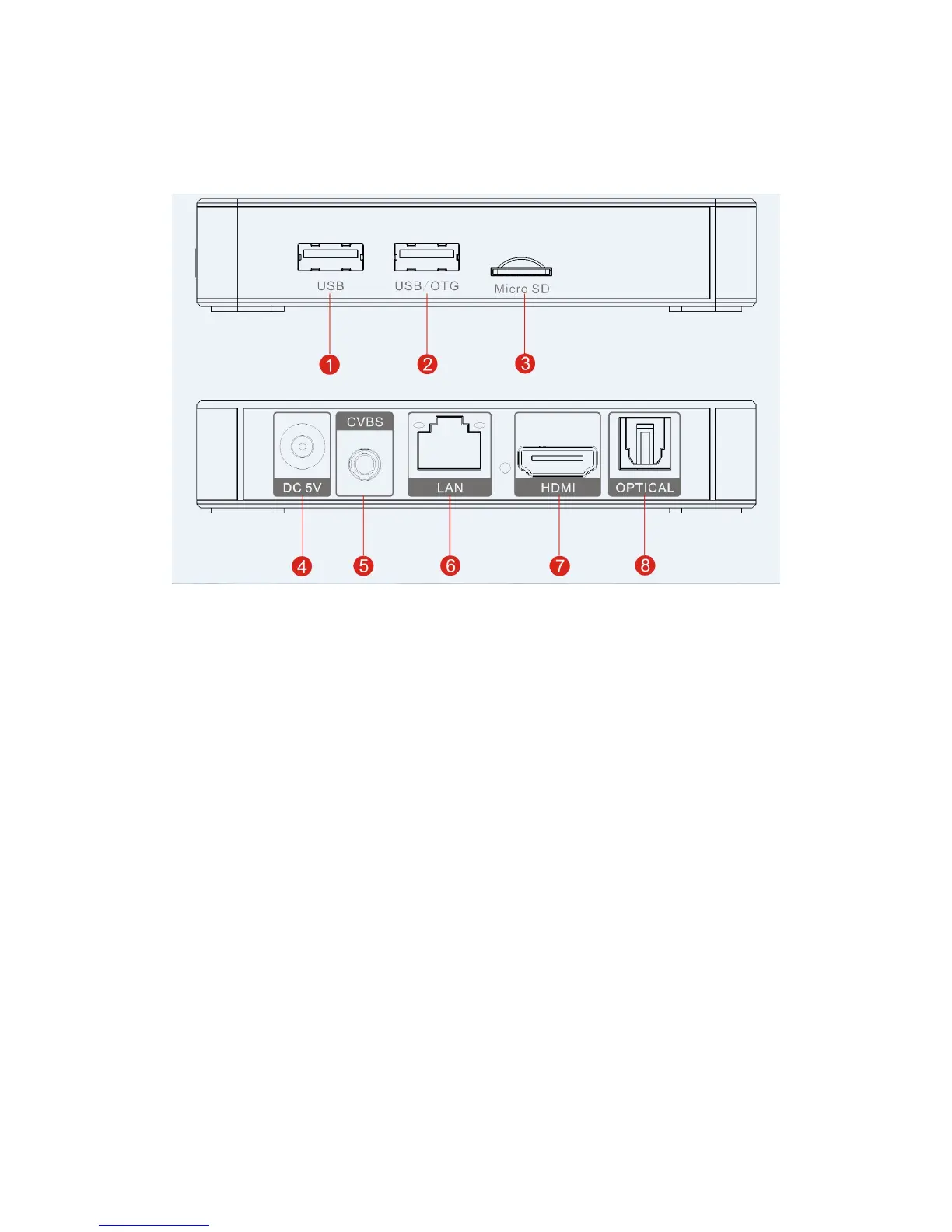
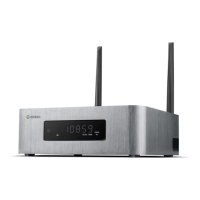
INTERFACE
1. USB : Connect USB devices, such as U disk .
2. USB / OTG: Connect USB devices, such as U disk .
3. Micro SD: Micro SD slot-increase the storage size or read files directly from a Micro SD.
4. DC/5V: To connect AC adapter.
5. CVBS: To connect TV set with AV cable.
6. RJ45 LAN: To connect home network devices (routers/switches,etc. ).
7. HDMI: To connect the high-definition TV set with HDMI cable.
8. Optical: For audio transmission.



 To Next Page