UM026803-0816 Establish a Connection with the PC
S3F8S19 Development Kit
User Manual
4
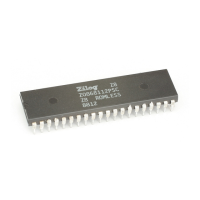
2. Connect the 10p 5x2 ribbon cable to the S3 Flash ISP II, as shown in Figure 3.
3. Connect the other end of the ribbon cable to Jumper J6 on the Development Board.
Ensure that Pin 1 on the ribbon cable is aligned with Pin 1 on the target connector, as
indicated in Figure 4.
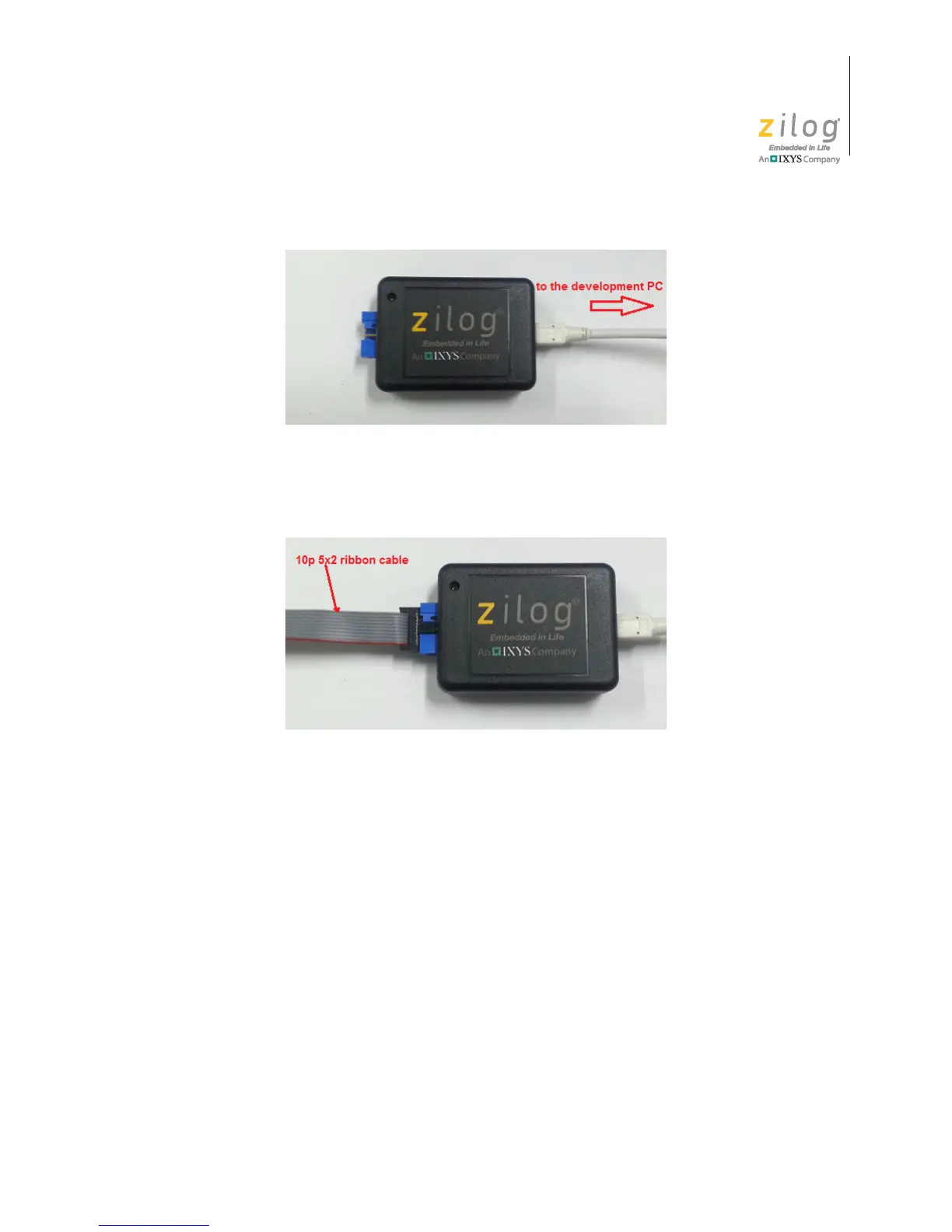
Figure 2. Connecting the S3 Flash ISP II to the Development PC
Figure 3. Connecting the 10-pin Ribbon Cable to the S3 Flash ISP II



 To Next Page