2
Installing the WB68
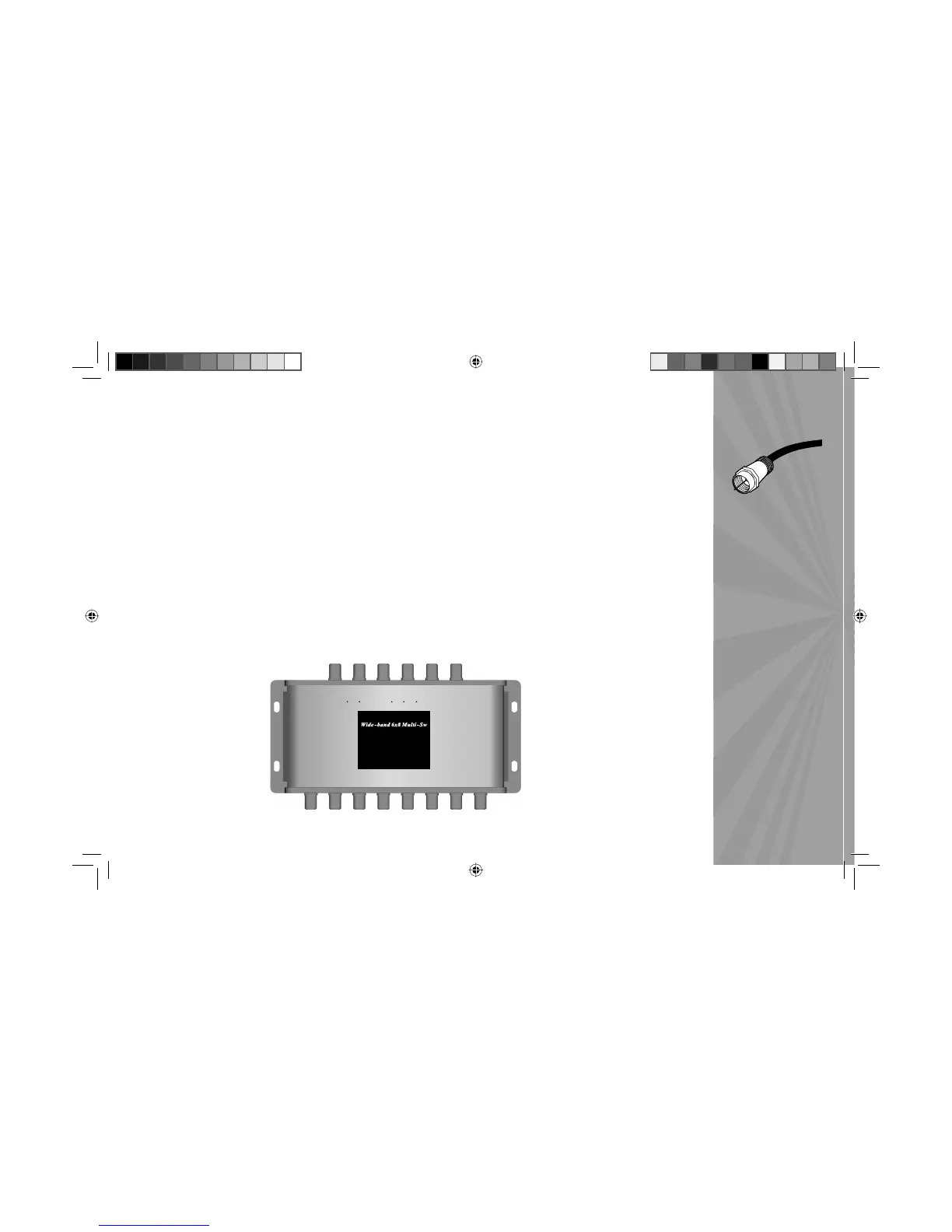
1. Use RG-6 coax cable with a solid-copper center connector. Other types of cables may cause more voltage
drop that will result in poor or no signal to the receiver. Note: e RG-6 cable should have proper exterior
waterproof connectors.
2. Mount the WB68 in a protected environment where it is shielded from rain and other water (sprinklers, etc.).
3. Use F-Connectors rated to at least 2150MHz.
4. Minimize the number of splices or connections between the WB68, the satellite dish and your DIRECTV
Receivers to minimize signal refl ection and signal strength drop.
5. If you have more than one DIRECTV Receiver connected to the WB68, run Guided Setup on each, one at a
time.
6. Make sure the other receivers are configured for satellite 101° W.L., and tuned to Channel 100. This will reduce
setup time and minimize error.
OUT4 OUT6 OUT7
OUT8
OUT1 OUT2 OUT3 OUT5
DIRECTV-approved part
ZINWELL
®
Part #:
WB68
Ka/Ku bands
250-750 MHz
950-1450 MHz
1650-2150 MHz
(Field Support # 1-909-718-0555)
Lot : 5 0 5 0 5
22KHz 22KHz
Sat 99 /101 Sat 103 /110 /119
18V 13V 18V 13V
FlexPort 1 FlexPort 2
To Sat e lli t e Rec eive rs
To Di s h An t enna s
F-Connector and
RG-6 Cable
Multi-Switch IG-half.indb 2Multi-Switch IG-half.indb 2 9/6/05 1:34:45 PM9/6/05 1:34:45 PM



 To Next Page