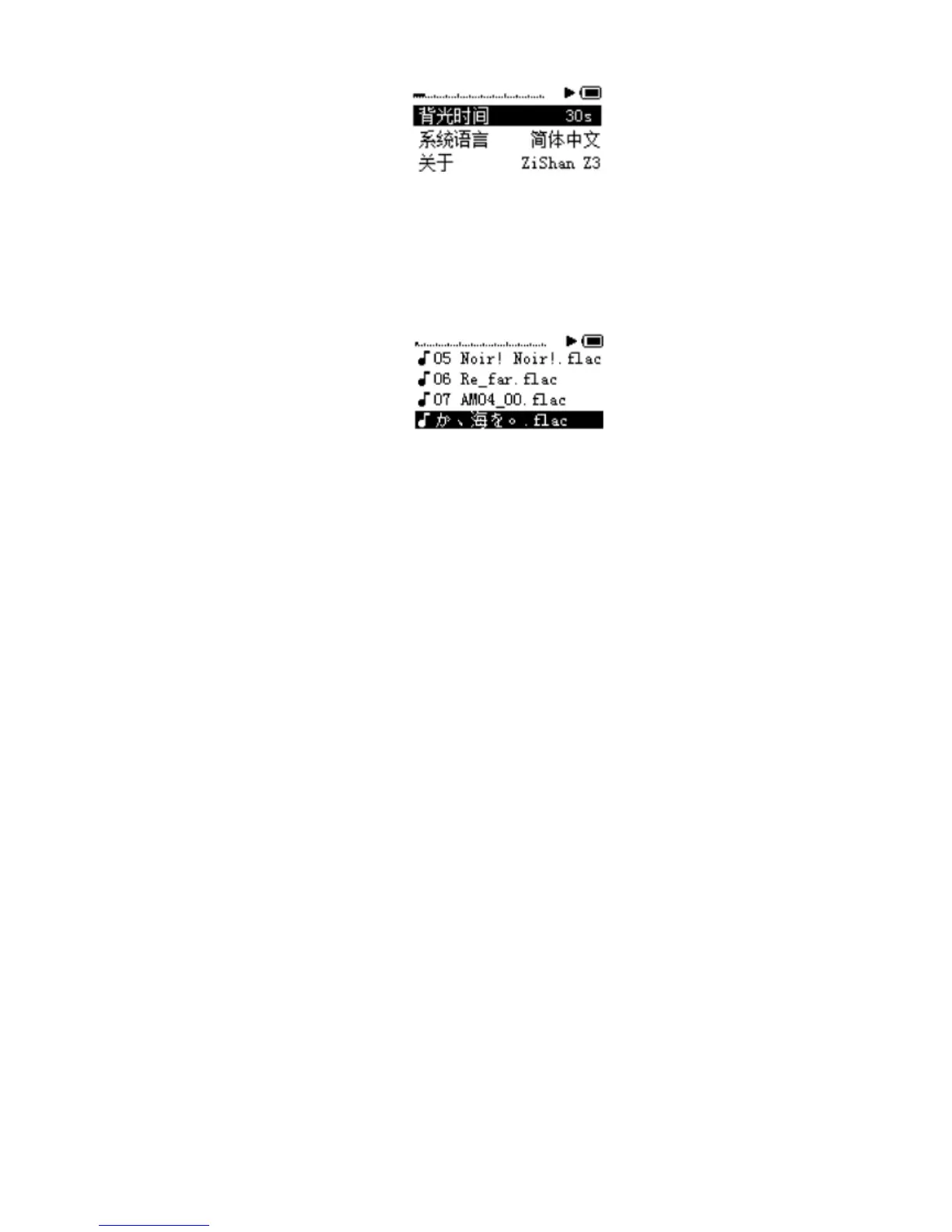
ShortpressUPorDOWNtoselect
ShortpressLEFTorRIGHTtochangesettings
ShortpressMIDDLEtoconfirmtoreturn
LongpressLEFTtocancelchangesandreturntothemainmenu
LongpressLEFTtoreturntothemainmenu
ShortpressRIGHTtoplayselectedsong
ShortpressMIDDLEforPlay/Deletemenu.
ShortpressLEFTtoreturntopreviouslevel
LongpressLEFTtoreturntothemainmenu
FirmwareUpdate
1. Getthelatestfirmwarez3app.bin
2. Shutdowntheplayer
3. Usinga
cardreaderplacez3app.bintotheTFcardrootdirectory
4. InsertTFcardwithz3app.binfileintotheplayerandturniton
5. Upgradeprocessstartsautomatically,usuallyittakesabout40seconds
6. Usethecardreadertodeletez3app.binfromtheTFcard


 To Previous Page
 Loading...