95
Press the OK key after selecting “Admin type”.
The F707/708 will prompt you;
Enroll FP
New Enroll?
ESC OK
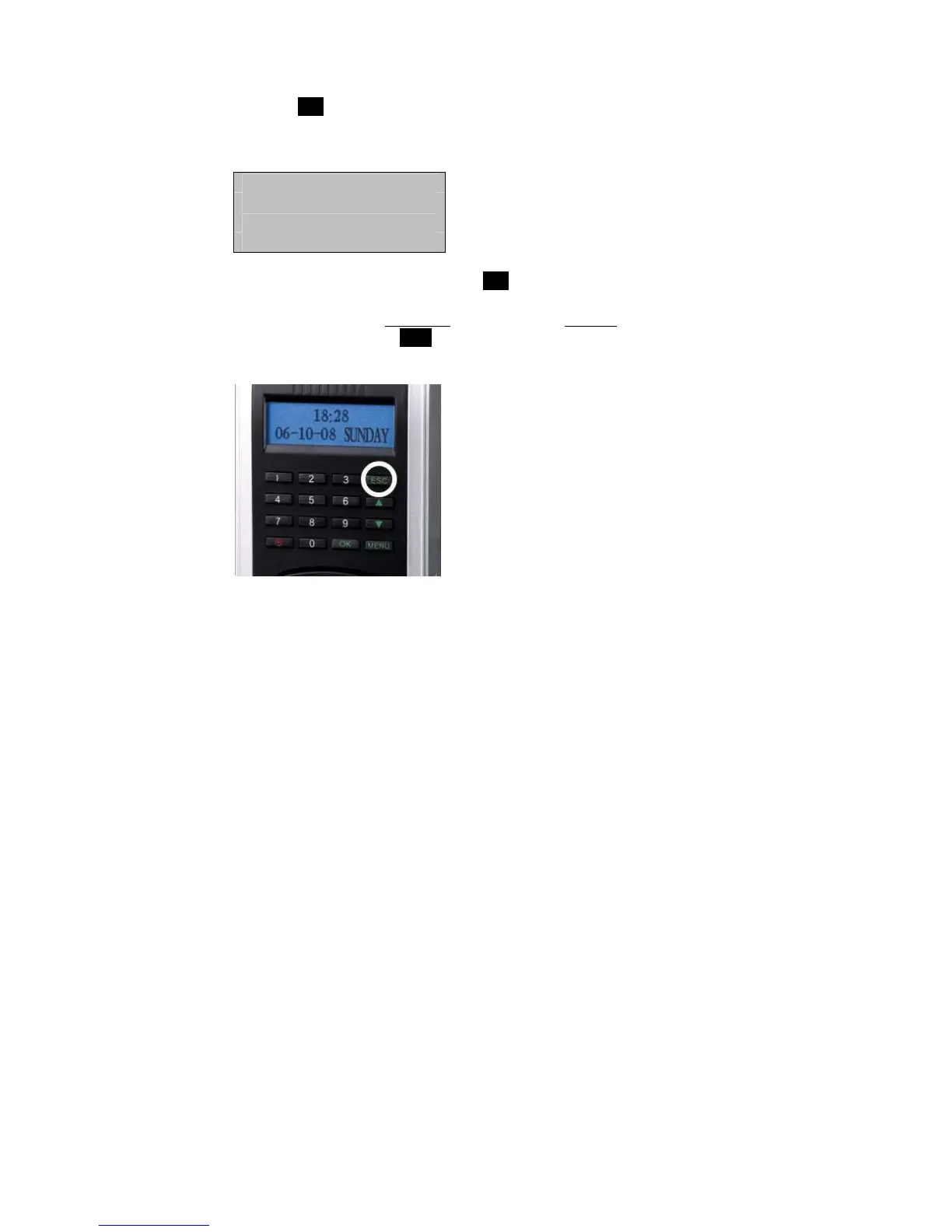
If this is a NEW “Admin”, then press OK.
If you are enrolling an additional
fingerprint to an existing Admin on the
F707/708, then press the ESC key



 To Next Page