11
Monitor your doors and windows
When a door or window is opened, your Snap PT can
automatically turn to see what happened and alert
you. Follow the instructions to configure your door /
window sensor and set a preset location for your Snap
PT to turn to whenever a sensor is triggered.
Note: If your device includes a door / window sensor, please
read the following overview before installing your sensors.
Do you want to play a lullaby for your sleeping infant, or
do you just need some mood music? Snap PT has a
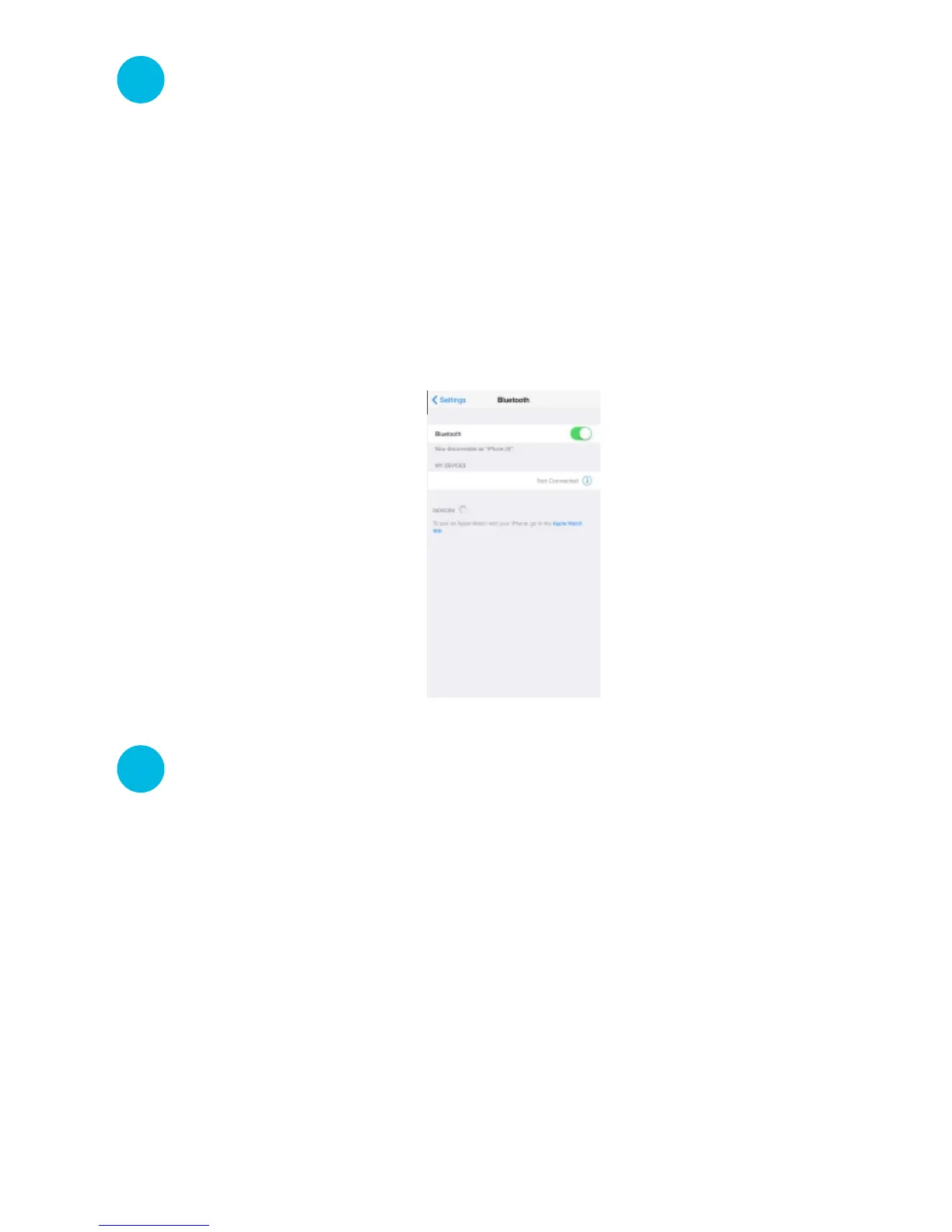
built-in bluetooth speaker for that. Access the bluetooth
settings on your smartphone, and scan for available
bluetooth devices. After a few moments, “Snap PT”
should appear under your list of available devices.
Select “Snap PT” and wait for the connection to
complete. Enjoy your favorite songs!
Snap PT
7
Now let’s party!
8



 To Next Page