3
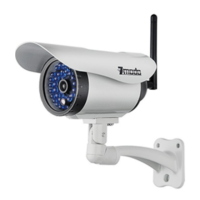
After setting up your Snap PT, find a suitable location to
set up your charging pad and place your Snap PT on
the charging pad. This will be the location that your
Snap PT monitors most of the time. Make sure that your
Snap PT is within range of your WiFi network.
The charging pad is designed to allow you to easily
move your Snap PT for quick monitoring jobs. The built-
in battery lasts several hours under regular use. Pick up
and place your Snap PT on any flat surface within range
of your WiFi to monitor other locations. Place your Snap
PT back on the charging pad after you're done.
Using your Snap PT
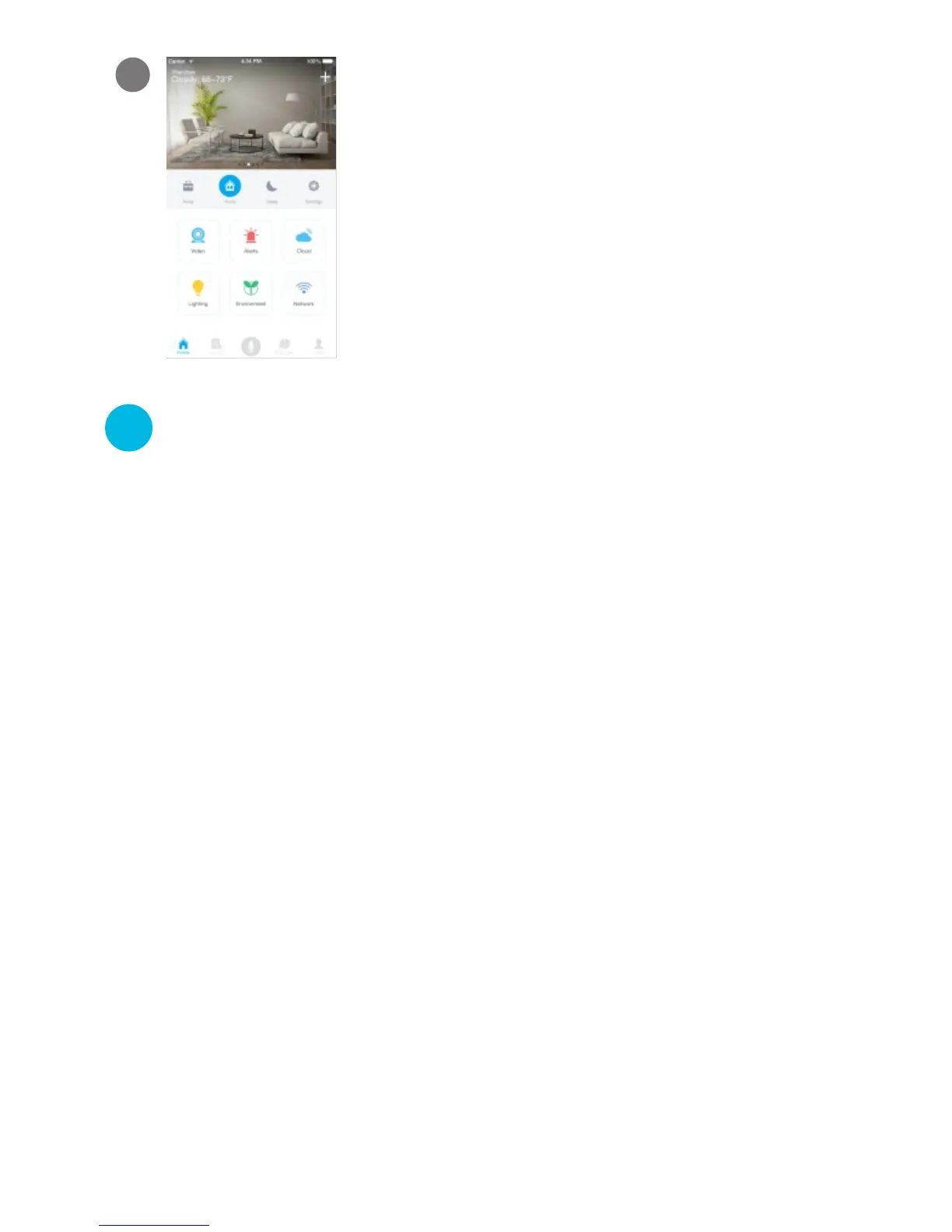
Your Snap PT has been successfully
configured! You can now share or view
your Snap PT.
12
8
Once you have found a suitable location for your Snap
PT, plug in the charging pad to a nearby power outlet
using the included power adapter. Then place your
Snap PT onto the charging pad to charge it.



 To Next Page