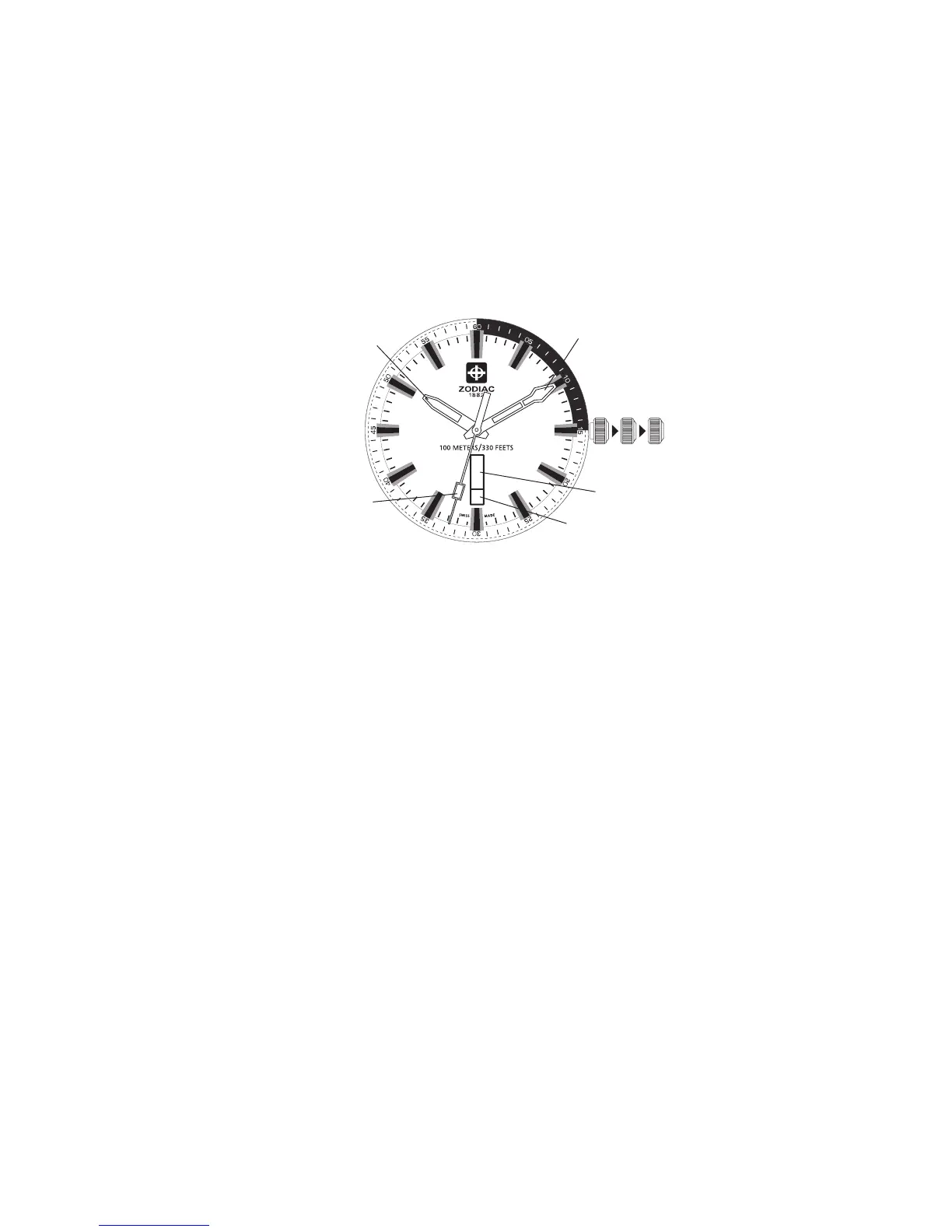
Pull crown out to position III (the watch stops).
Turn crown until you reach the correct time.
Push crown back to position I.
Pull crown out to position II (the watch continues to run).
Turn crown clockwise to set the date. Set to the previous day.
Turn crown counter-clockwise to set the day. Set to the previous day.
Pull crown out to position III (watch stops).
Continue to turn crown until correct time appears.
Push crown back to position I.
Do not change the date between the hours of 10pm and 2am. This is the
time when the movement is in position to carry out the automatic date
change, and any interference may cause damage to the movement.
I II III
Hour hand
Minute hand
Second hand
Day
Crown
Date



 To Next Page