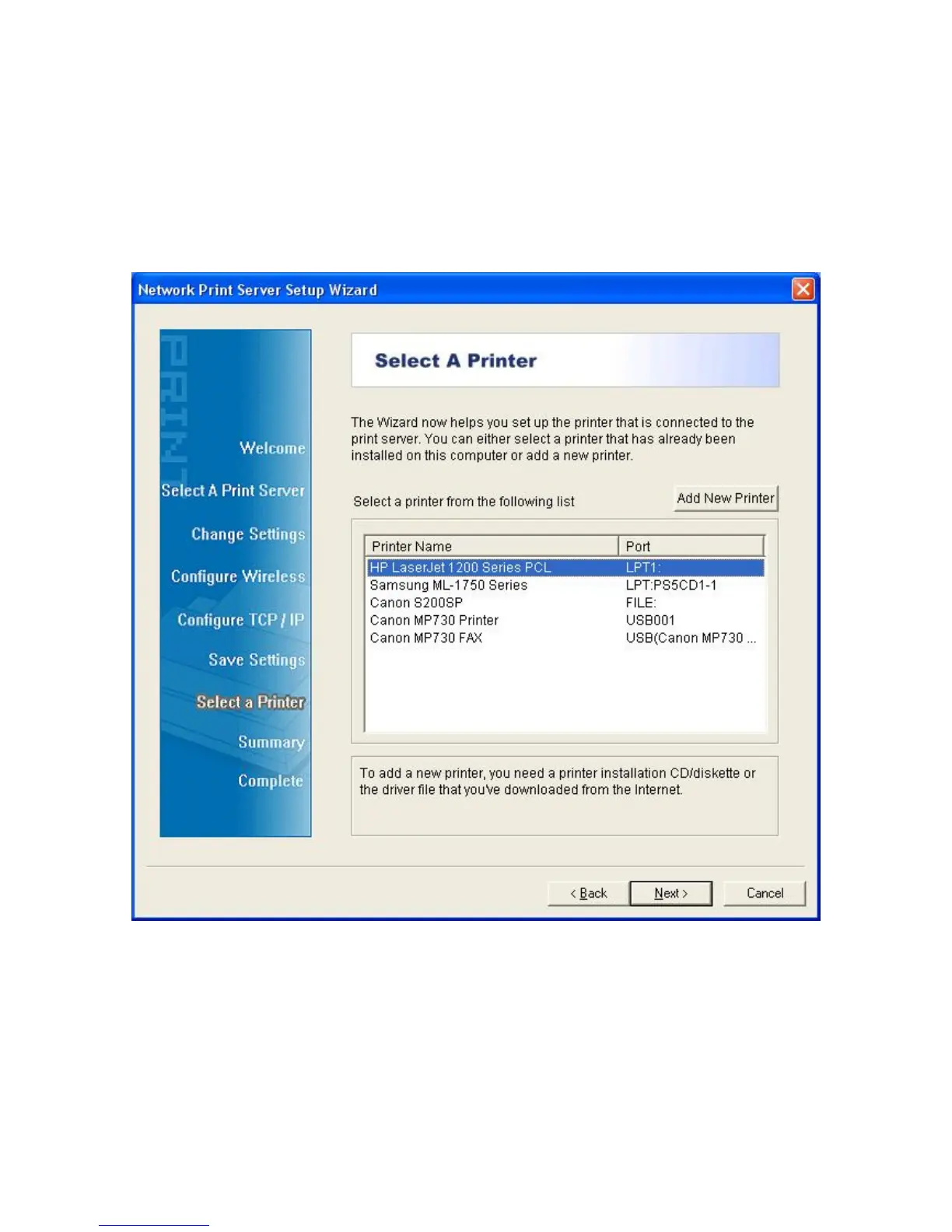
13. Then, choose whether you want to share the printer with other network users, print a
test page (please select No.), etc. Select the appropriate radio-button and click Next
and Finish.
14. In the setup wizard, finish the installation by highlighting the installed printer in the
Select a Printer list and click Next -> Finish.
15. From Windows system, go to start -> Printers and Faxes and highlight your newly
installed printer.



 To Next Page