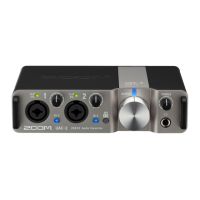
2. Set according to the device connected to the Input 1 jack.
Switch position Explanation
Use this setting when connecting a passive guitar or bass.
Set this to GUITAR to support high-impedance (Hi-Z) input. This does not
need to be set to GUITAR when connecting an active guitar or bass.
Use this setting when connecting a mic or keyboard, for example.
NOTE:
• Phantom power (48 V) is only supplied to the XLR connectors.
• When is set to GUITAR, phantom power (48 V) to the Input 1 jack is disabled. When
connecting a condenser mic to the Input 1 jack and using phantom power (48 V), set to
MIC/LINE.
3. When connecting a keyboard or other equipment with stereo output, set the Stereo Link switch to ON.
(→ Stereo link overview)
15



 To Next Page
 Loading...