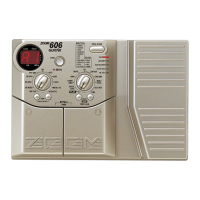
When the FUNCTION Mode parameter is set to "3: DELAY (TAP&HOLD)", the FUNCTION switch
can be used to set the delay time for patches using the NORMAL or ANALOG effect type of the DELAY
module. By using this function, you can easily set the delay time to match the music's tempo.
21 ●
Select a patch which uses the NORMAL or ANALOG effect type of
the DELAY module. To check the effect type, use the Edit mode. For
details, please refer to page 14.
The effect type setting can be checked in the Edit mode. For details,
please refer to page 18, 19.
The 3000 detects the interval in which the FUNCTION switch was
pressed, and the delay time will be set in the DELAY effect module.
When the FUNCTION switch mode is set to "3: DELAY
(TAP&HOLD)", the FUNCTION LED flashes according to the
delay time. This allows you to check the current setting when
making tap input.
• When the FUNCTION switch operation interval exceeds 2000
ms, the original delay time setting remains active.
• When the optional remote pedal RP01 is connected and the
DELAY mode is selected, tap input can be carried out only with
the pedal switch of the RP01. (For details, please refer to page
35.)



 To Next Page
 Loading...