
 Need help?
Do you have a question about the ZURI FORD ADJUSTABLE DESK and is the answer not in the manual?
Install feet onto the bottom of the right and left pedestals using bolts and washers.
Reset the control panel and learn to program height presets.
Instructions on how to reset the control panel using the down button.
Details the anti-collision feature and its error code (E8) for safety.
Guide to setting and saving up to four preferred desk height positions.
Instructions for setting and removing minimum and maximum height limits.
How to lock and unlock the control panel to prevent accidental adjustments.
 General
| Brand | ZURI |
|---|---|
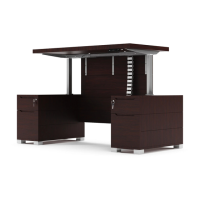
| Model | FORD ADJUSTABLE DESK |
| Category | Indoor Furnishing |
| Language | English |

 To Next Page