EasyManua.ls Logo

Zynect Sensors Thermote - User Manual

Zynect Sensors Thermote
10 pages
Print Icon
To Next Page IconTo Next Page
Loading...
Zynect Sensors 2020
USER MANUAL
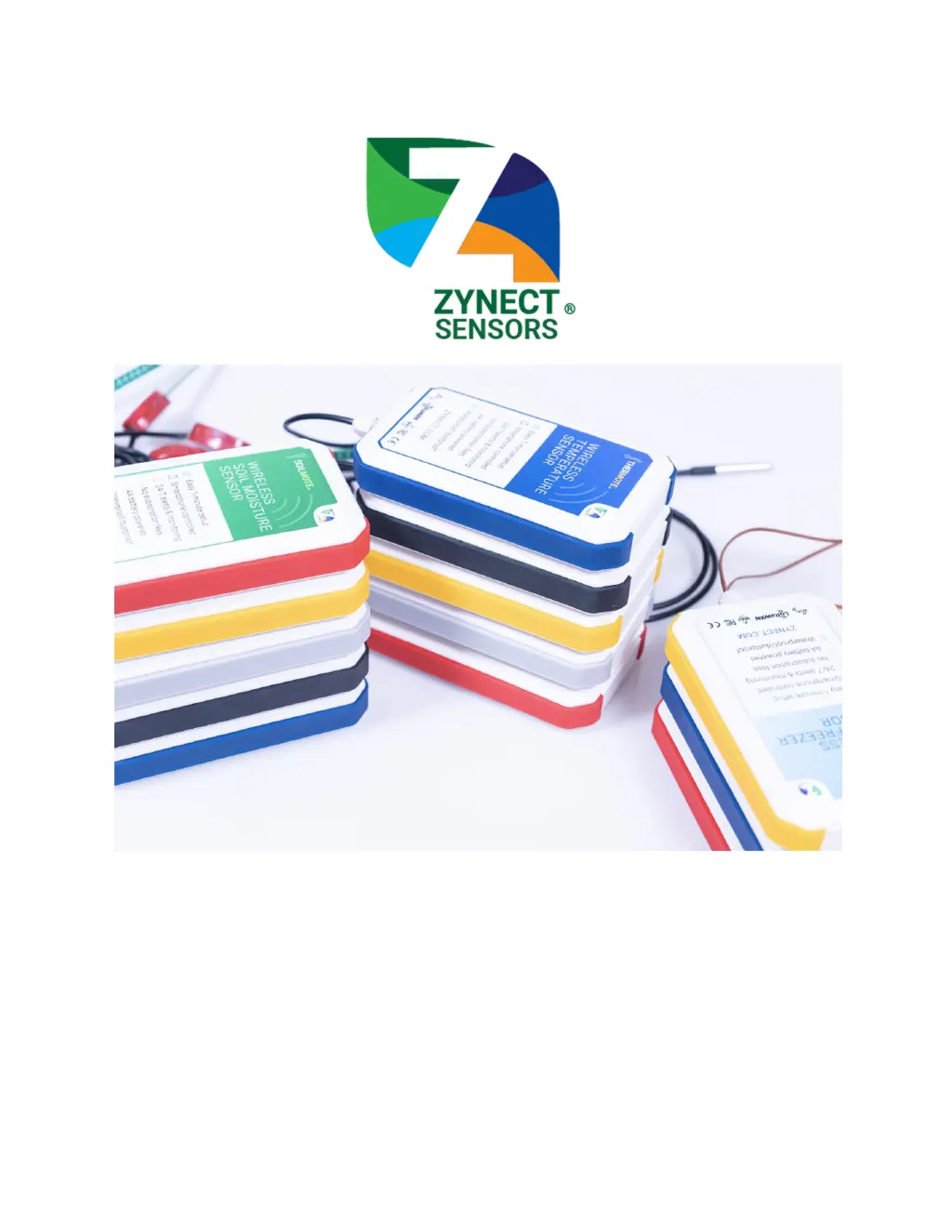
Sensors:
Thermote - wireless temperature sensor (-55°C to 125°C)
Thermote X - wireless temperature sensor (-200°C to 200°C)
Soilmote - wireless soil moisture sensor (0% to 100% VWC)

Questions and Answers

  • R
    roy92Jul 29, 2025
    What to do if my Zynect Sensors Thermote unit will not connect to Wi-Fi on an enterprise network?
    • S
      Stephanie TaylorJul 29, 2025
      If your Zynect Sensors Accessories unit won't connect to Wi-Fi on an enterprise network, verify the following: * Check all items for home network. * Ensure the device is permitted on the network by allowing the MAC address, which is printed on the back of the unit. * Confirm your network does not have a Captive Portal.
  • K
    Karen MichaelAug 11, 2025
    How to fix Zynect Sensors Thermote when it will not connect to Wi-Fi on a home network?
    • L
      Latoya Cooper DDSAug 11, 2025
      If your Zynect Sensors Accessories unit won't connect to Wi-Fi on a home network, try the following: * Check that the network password is correct. Click the eye icon to see the password. * Verify that you are allowed to connect to the network and that the network name (SSID) is correct. * Ensure the security type is correct for your network. * Make sure both your sensor and mobile phone are within range of the Wi-Fi network.

Summary

Turning on your Zynect Sensor

Sensor Power On Steps

Enabling Bluetooth, opening compartment, inserting batteries, and confirming configuration mode.

Create a Zynect Sensors Account

App Account Creation Process

Downloading the app and creating a user account via Google, email, or Apple.

Connect Sensor to Home Wi-Fi

Home Wi-Fi Connection Guide

Connecting the sensor to a home Wi-Fi network using the app's setup section.

Connect Sensor to Enterprise Wi-Fi

Connect Zynect LoRaWAN Gateway to Wi-Fi

Connect Sensor to LoRaWAN

Install your Zynect Sensor

Access Data and Set Custom Alerts

Accessing Sensor Data

Navigating the app dashboard to view sensor readings and historical data.

Setting Custom Alerts

Configuring alerts for temperature thresholds, offline status, and other events.

Share your Zynect Sensor Data

Change Data Reading Interval

Calibrate your Zynect Sensor

Thermote;Thermote X Calibration

Calibrating Thermote and Thermote X sensors using an ice bath method.

Handle Product Precautions

Troubleshoot Connectivity Issues

Wi-Fi Connectivity Troubleshooting

Solutions for common issues when connecting sensors to home or enterprise Wi-Fi networks.

Zynect Sensors Thermote Specifications

General IconGeneral
BrandZynect Sensors
ModelThermote
CategoryAccessories
LanguageEnglish