EasyManua.ls Logo

1byone TMB-1585 - User Manual

1byone TMB-1585
14 pages
Print Icon
To Next Page IconTo Next Page
Loading...
User Manual
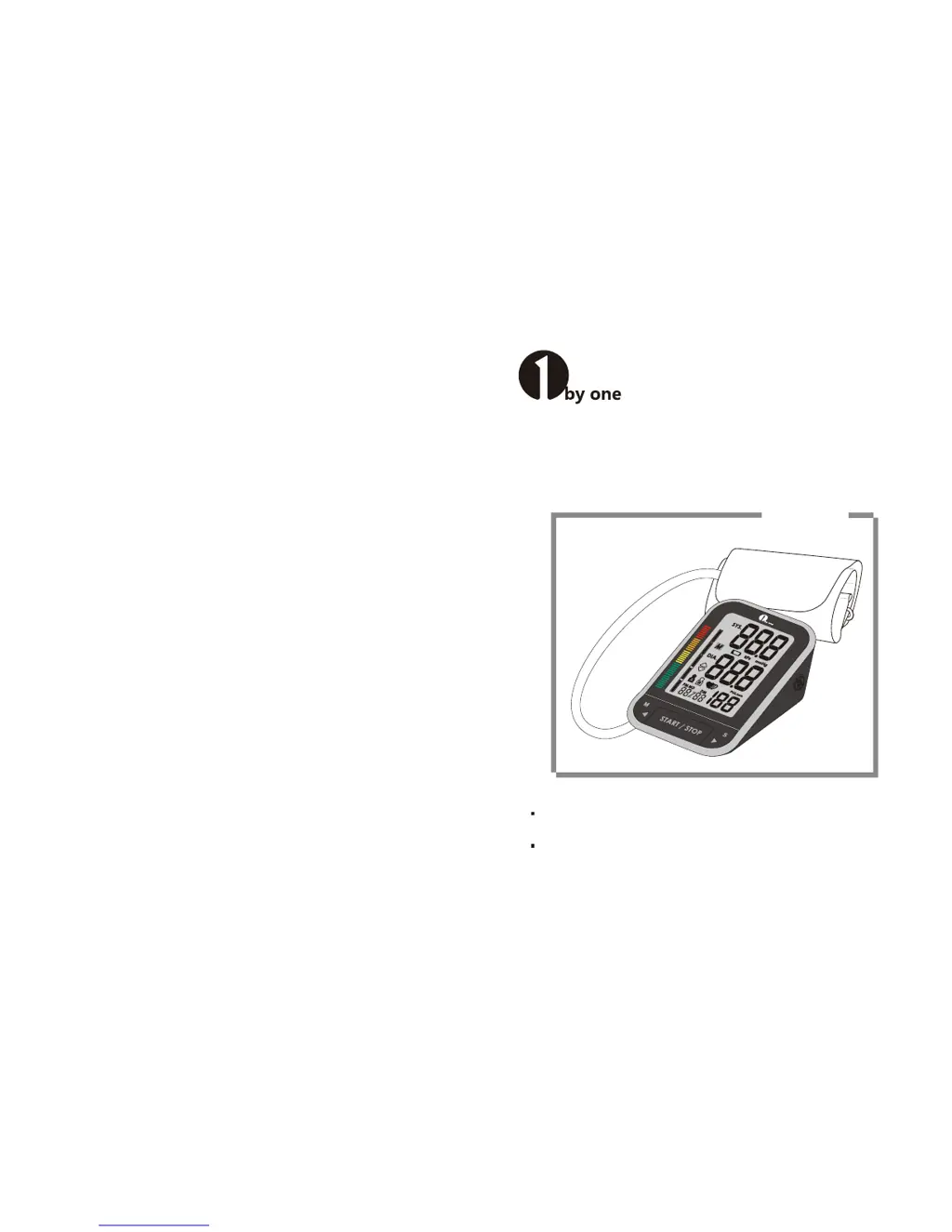
Arm Blood Pressure Meter
Arm Type
Thank you very much for selecting 1byone Arm Blood Pressure Meter.
Please do read the user manual carefully and thoroughtly so as to ensure the
safe usage of this product, and keep the manual well for further reference in
case you have problems.
Model : TMB-1585
Distributed by
1byone Products Inc.
2313 E PHILADELPHIA ST STE M, CA, US, , 917618048
www.1byone.com

Questions and Answers

  • J
    jessicalongAug 14, 2025
    What to do if 1byone TMB-1585 shows error message E10 or E11?
    • S
      Samantha RobersonAug 14, 2025
      If your 1byone Blood Pressure Monitor displays error message E10 or E11, it means the device detected motion, talking, or a poor pulse signal during measurement. To resolve this, relax for a moment and then measure again.
  • B
    Brandon ManningAug 18, 2025
    What to do if my 1byone Blood Pressure Monitor displays error message E 1?
    • K
      Kara WalshAug 18, 2025
      If your 1byone Blood Pressure Monitor shows error message E 1, it indicates that the cuff is not secure. Please refasten the cuff and then measure again to ensure proper readings.
  • M
    Mary ZamoraAug 21, 2025
    What to do if 1byone Blood Pressure Monitor shows error message E 3?
    • P
      pbakerAug 21, 2025
      If your 1byone Blood Pressure Monitor is showing error message E 3, it means the cuff pressure is excessive. Relax for a moment, and then retake the measurement.
  • J
    Jesse BerryAug 25, 2025
    What to do if my 1byone Blood Pressure Monitor displays error message E 2?
    • B
      Brian RosalesAug 25, 2025
      If your 1byone Blood Pressure Monitor displays error message E 2, this indicates the cuff is very tight. Readjust the cuff so it is not too loose or too tight, and then measure again.
  • B
    brendalewisAug 27, 2025
    Why 1byone TMB-1585 is not turning on?
    • C
      Caitlyn StokesAug 28, 2025
      Your 1byone Blood Pressure Monitor might not be turning on due to several reasons: * The batteries may be exhausted; replace them with new ones. * The batteries may be inserted incorrectly; ensure they are inserted correctly. * The AC adapter may not be inserted tightly; make sure it is properly connected.
  • T
    Teresa NolanAug 30, 2025
    What to do if 1byone TMB-1585 shows error message E20?
    • C
      Christopher TaylorAug 30, 2025
      If your 1byone Blood Pressure Monitor displays error message E20, it means the measurement process isn't detecting a pulse signal. Try loosening the clothing on your arm and then measure again.
  • D
    Donna OchoaSep 3, 2025
    What does it mean when my 1byone Blood Pressure Monitor displays error message E21?
    • J
      jmasonSep 3, 2025
      If your 1byone Blood Pressure Monitor shows error message E21, it indicates that the measurement process failed. Relax for a moment and then measure again.
  • J
    Joseph WilliamsSep 7, 2025
    Why does my 1byone TMB-1585 say low batteries?
    • C
      Chase WalshSep 7, 2025
      If your 1byone Blood Pressure Monitor indicates low batteries, it means the batteries are running low and should be replaced with new ones.
  • K
    Kathryn ReynoldsSep 10, 2025
    What to do if 1byone Blood Pressure Monitor shows error message EExx?
    • J
      Justin MartinSep 10, 2025
      If your 1byone Blood Pressure Monitor displays error message EExx, this indicates a calibration error. Retake the measurement.

Summary

Introduction

Safety Information

Explains standard safety signs found on the manual, labeling, or components.

Before You Start

Power Supply Options

Details battery-powered and AC adaptor powered modes for the device.

Battery Installation and Replacement

Instructions for inserting batteries correctly and when they need replacement.

Setting Date, Time, and Units

Guides on setting the year, date, format, time format, and measurement units.

User Selection

Instructions on selecting between User A and User B for measurement storage.

Measurement

Cuff Placement and Tying

Detailed steps for correctly positioning and tying the cuff on the upper arm.

Initiating a Measurement

Instructions on how to start the measurement process and view results.

Data Management

Information for User

Measurement Accuracy Tips

Advises on conditions to avoid for accurate blood pressure readings.

Specifications

Power Supply Specifications

Details power requirements: batteries (4xAAA) and AC adapter (6V=1A).

Authorized Component

1byone TMB-1585 Specifications

General IconGeneral
DisplayLCD
Measurement MethodOscillometric
Irregular Heartbeat DetectionYes
WHO IndicatorYes
Accuracy (Blood Pressure)±3 mmHg
Accuracy (Pulse Rate)±5%
Power Source4 x AAA batteries
Automatic Shut-offYes

Related product manuals