24
Automatic Rolling Code
copy procedure
1. Press and keep pressed the button 1 and at the same time press 4 times the button 2 of 1Control WHY
remote. The red LED starts ashing. Release the buttons.
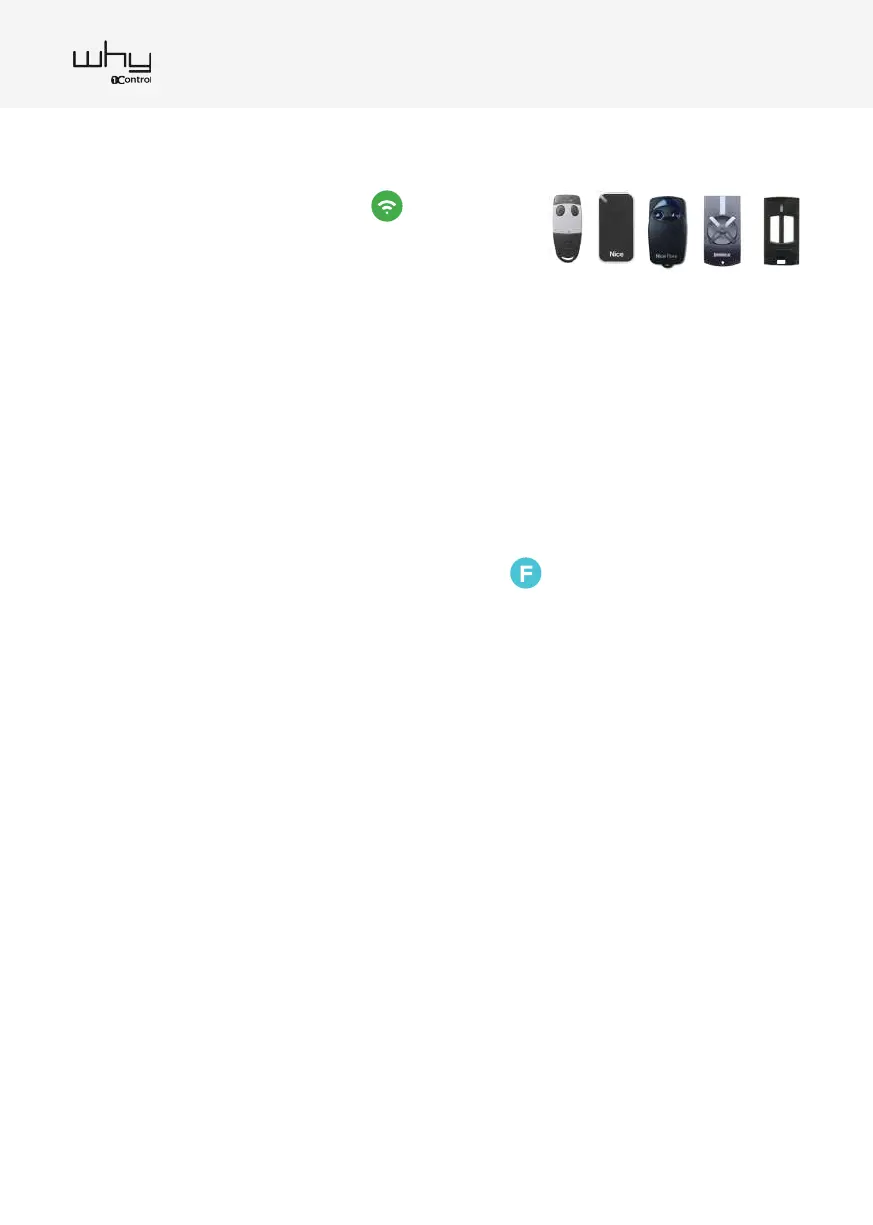
2. Press the button on the original remote for 3-4 seconds and then release it.
3. When the green LED ashes quickly press the 1Control WHY’s button in which the remote control is to be
stored.
4. Nearby the gate/garage (within 5 meters) press the 1Control WHY copied button for 10+ seconds, the green
LED start ashing. Wait for the LED to turn o. If the green LED does not ash, it is necessary to proceed
with the guide B.
5. The copy is nished. Try opening the gate/garage, if it does not open, repeat the procedure from point 1. If
repeating the procedure does not open proceed with the guide B.
Fixed Code remote copy procedure
1. Press and keep pressed the button 1 and at the same time press 4 times the button 2 of 1Control WHY
remote. The red LED starts ashing. Release the buttons.
2. Press the button on the original remote for 3-4 seconds and then release it.
3. When the green LED ashes quickly press the 1Control WHY’s button in which the remote control is to be
stored.
4. The copy is nished. Try opening the gate/garage, if it does not open, repeat the procedure from point 1.
1Control WHY user manual


 To Next Page