6. After installation is successfully completed
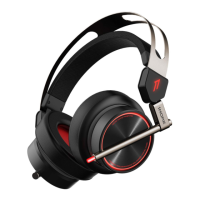
a) Plug Spearhead VR Gaming Headphones via USB connection into your PC
b) Open Spearhead VR PC Driver Software to begin customizing your headphones and features
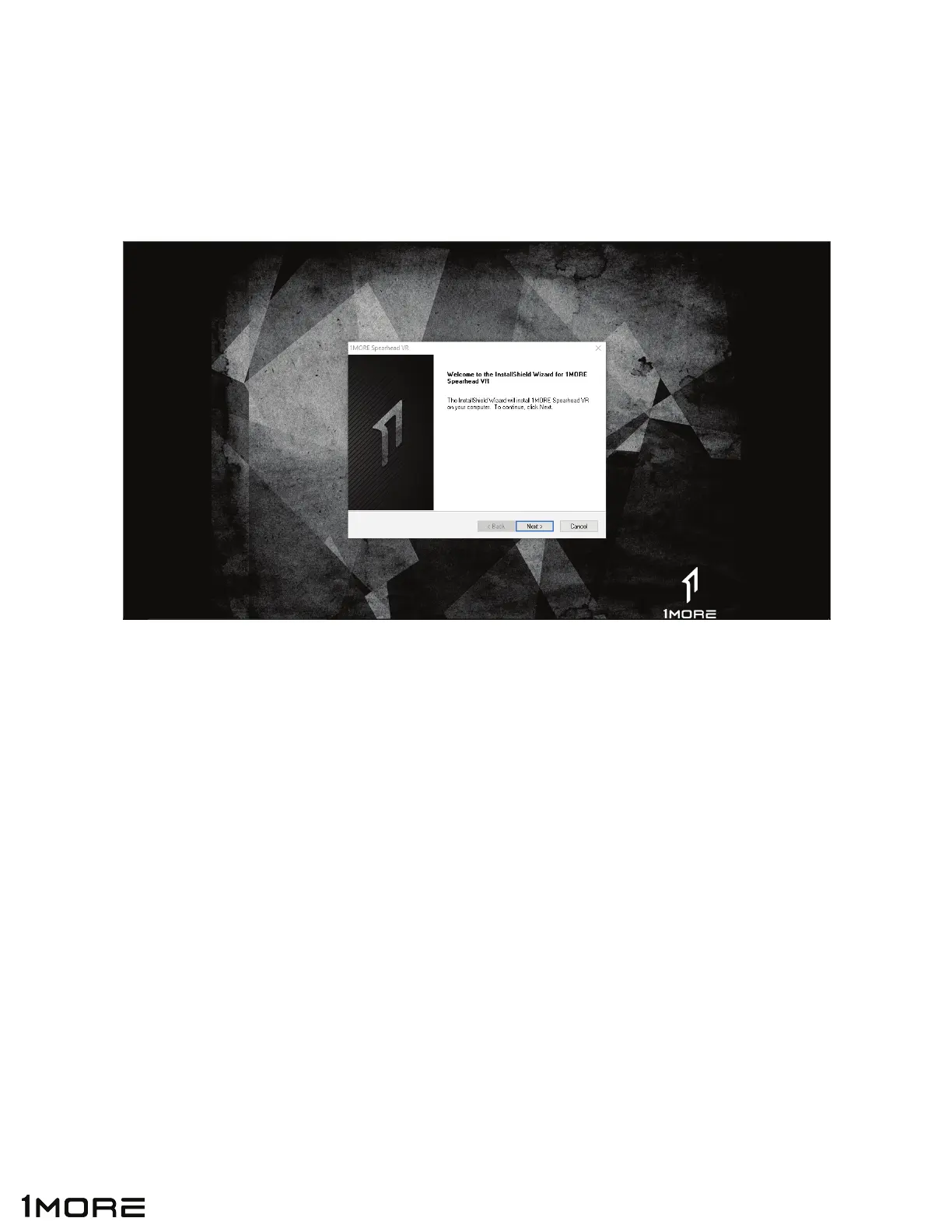
5. Follow the on screen instructions to complete installation process.
*Note: Have you Spearhead VR Gaming Headphones close by because you will be prompted
to plug in during the install process.
9


 To Next Page