INSTALLING THE PC DRIVER
IMPORTANT: The Spearhead VR PC Driver Software is compatible with Windows 7 and above.
1. Visit 1MORE.com and go to the Spearhead VR product page
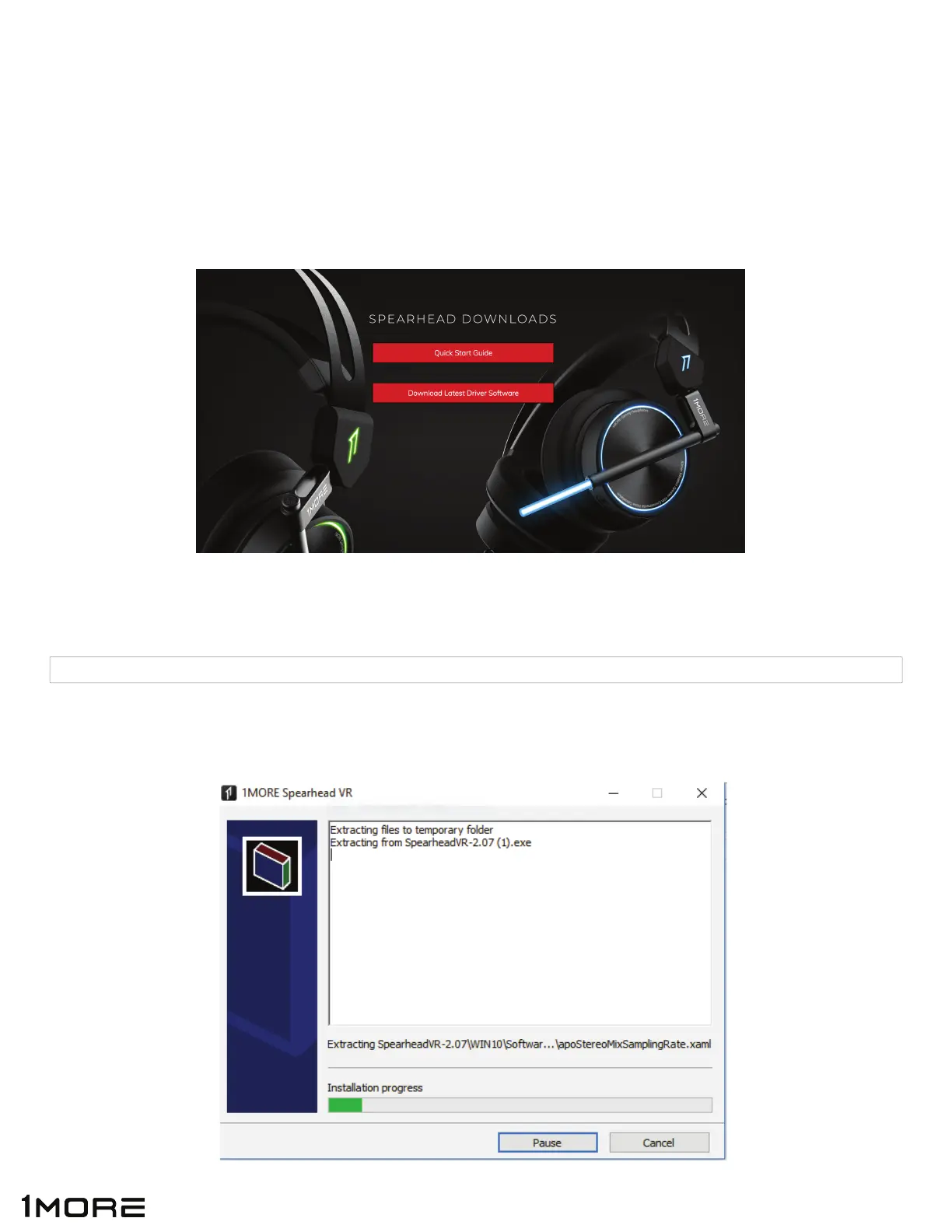
2. Scroll to the bottom of the page and click “DOWNLOAD LATEST DRIVER SOFTWARE”
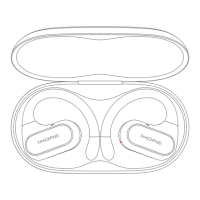
3. Open the Spearhead VR PC download and begin installation. The Driver Software name will
appear as below:
4. Double click on Driver Software Download to open Install Wizard.
SpearheadVR-2.07 (1) 1/17/2018 3:35 PM Application 85,175 KB
8


 To Next Page