22
EN
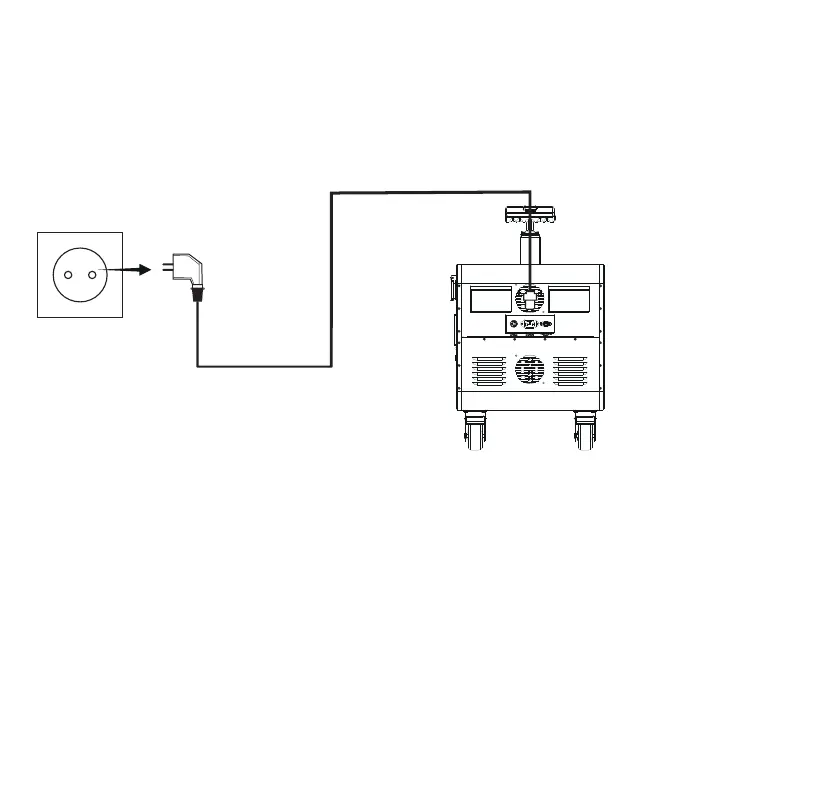
a. Charging with AC power cord
Connect the product to a household AC outlet using the AC power cord. Turn on the station.
If the battery indicator icon on the product display blinks, the product is charging. The charge
level is indicated on the LCD display. When it reaches 100%, the product is fully charged.
Remove the AC power cord from the AC outlet in time.
Note. This product supports 2500W maximum input power.



 To Next Page