23
EN
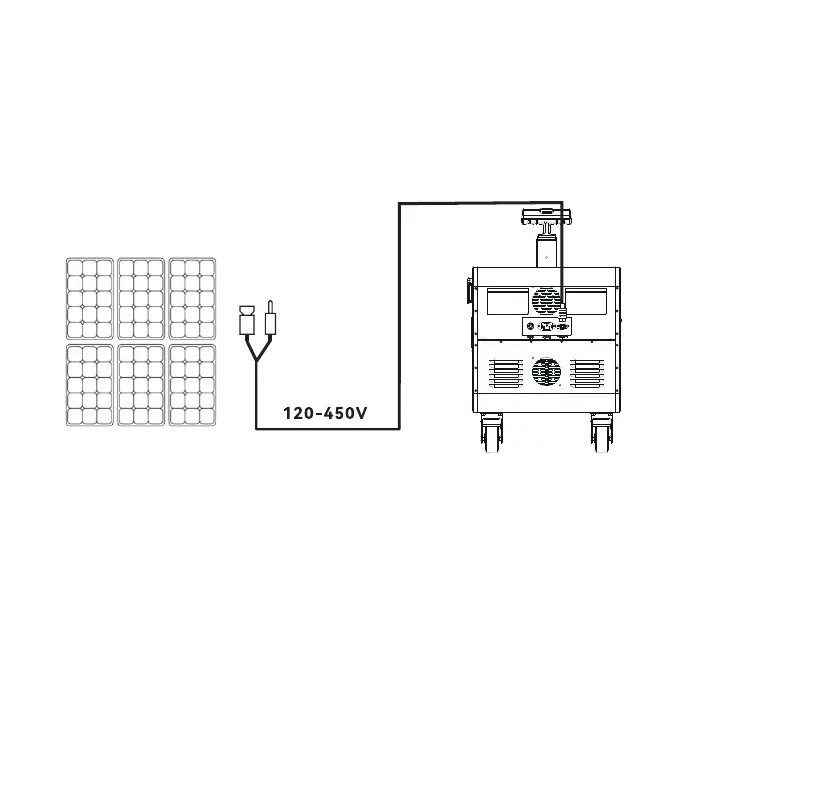
b. Charging with a solar panel
1) Place the solar panel in a place with strong direct sunlight.
2) Connect the output of the solar panel to the charging input of this product. Turn on the
Power Button, if the battery If the battery indicator icon on the product display blinks, the
product is charging. The charge level is indicated on the LCD display. When it reaches 100%,
the product is fully charged.
MPPT technology: This product supports solar panel charging using MPPT technology. With
its MPPT controller, this product can monitor the output voltage and current changes from the
solar panel and get the best charging performance.
Series charging scheme: this product allows connecting solar panels in series to achieve
best charging result. DC input parameters are 120-450V (5000W Max).
Actual performance may vary depending on climate, temperature, battery condition and other
factors.


 To Next Page
 Loading...