Product use
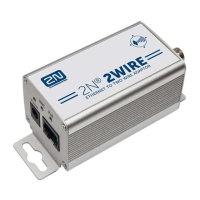
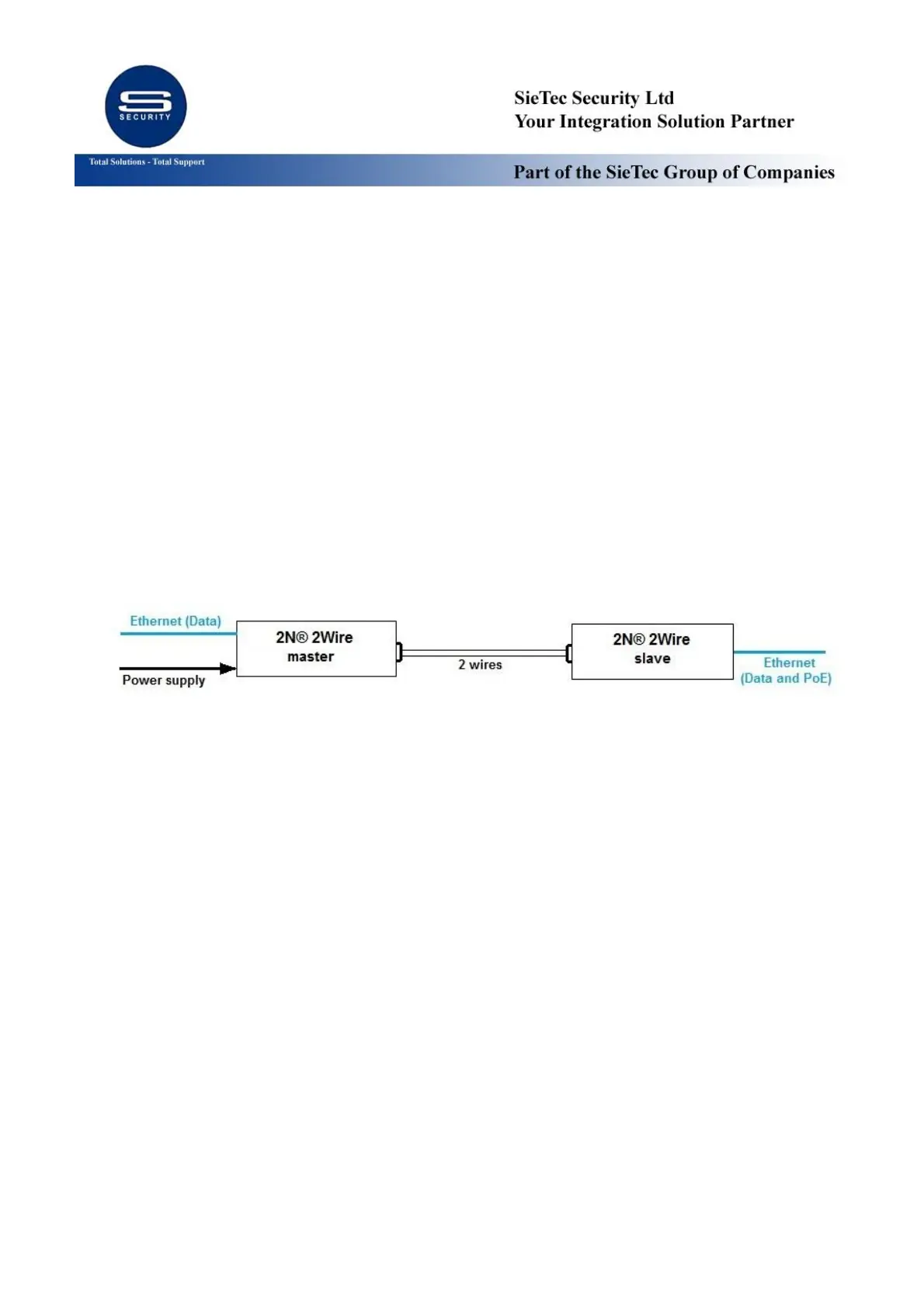
Install 2N® 2Wire master unit where your Ethernet cable ends and 2-cable wiring begins.
Plug in Ethernet and 2 cable wiring into the master unit.
Install 2N® 2Wire slave unit where you need convert 2-cable wiring back to Ethernet at remote
location. Please observe polarity of the 2 wires.
Connect provided power supply to master unit.
Any of the units can be master or slave. Master unit is the one with connected power supply
while slave is powered via 2 wires.
Blue Power LED indicators should indicate that both units are powered.
Both BNC and PoE green LED should be blinking, thus signalling the established connection and
data transmission.
Specification
Speed : 10/100 Base T, half/full duplex, auto-negotiation
IEEE 802.3 af/at 40Watt Compliant PoE+
Cable Type : 2Wire, Cat 5e., Cat 6. or Similar
Impedance : 25Ω to 100Ω
Transmit Coverage : Typical 720ft (220m) @ Cat6 with PoE at far end; up to 2460ft (750m)
possible; depends on wiring and interference
LED Indicators
Power : Blue – Power ON
BNC : Green – Link ON
PoE : Green – Link ON


 To Next Page
 Loading...