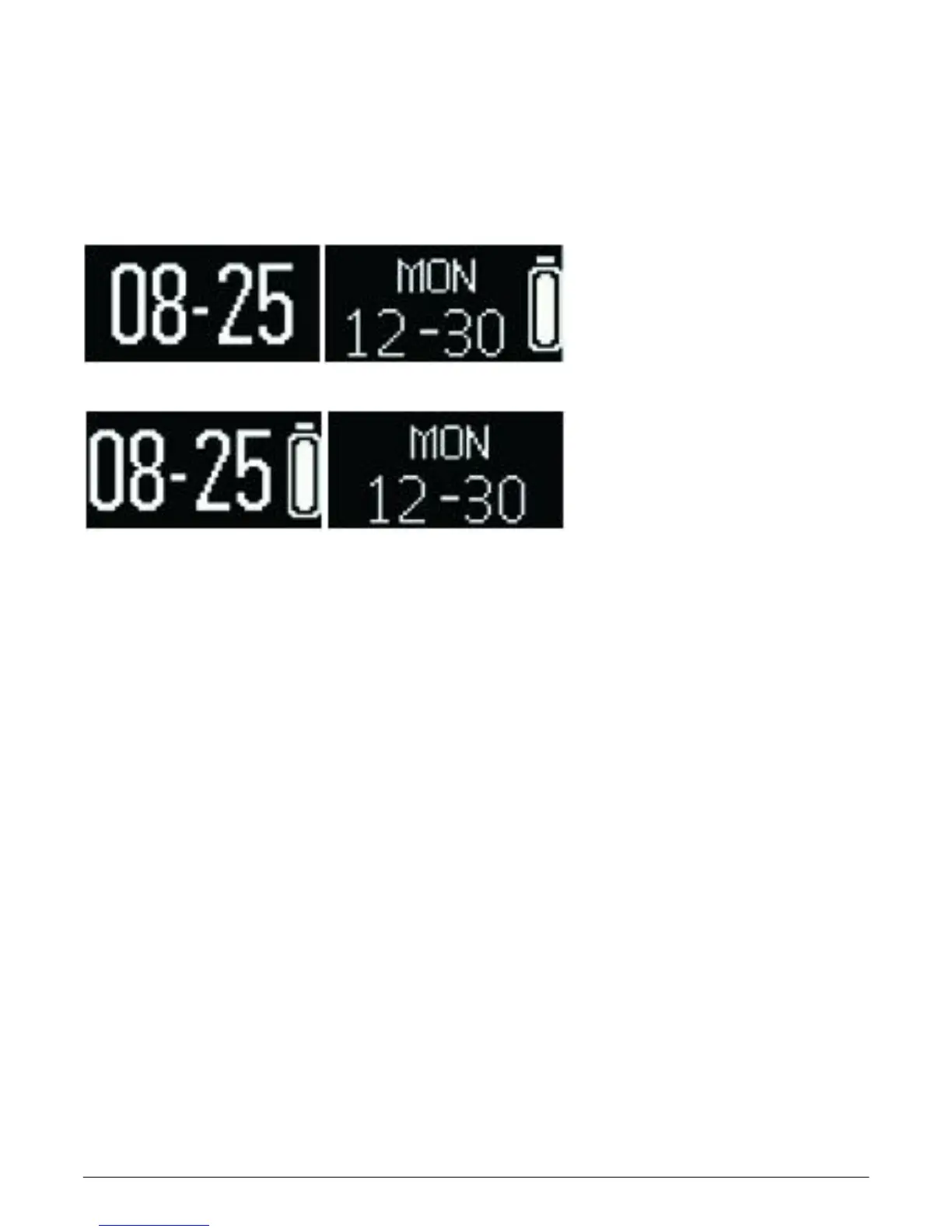
Clock interface
Time, date, battery charges
Time and date on your watch will be automatically
synchronized with the connected mobile device.
You can also setup your preferred time and date
manually through the settings of 3Plus Activity Tracker
APP.
Please make sure that the battery charges on your
watch is sufficient to avoid resetting of the time.



 To Next Page