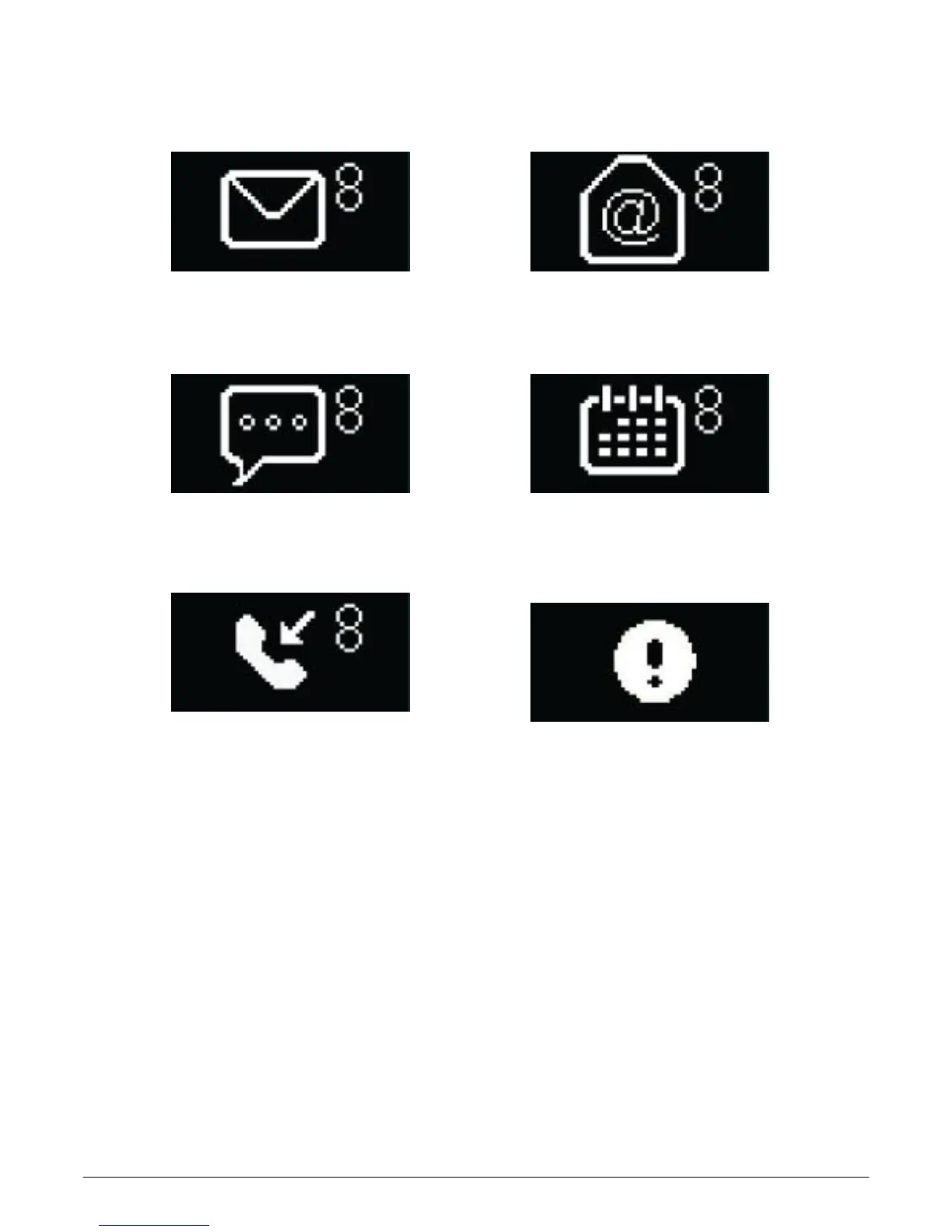
Notifications
Social media notifications
Email notifications
SMS notifications
Calendar reminders
Missed call notifications
Bluetooth disconnection notifications
The watch can display notifications from incoming call,
missed call, SMS, email, social media, calendar event,
device-tracking function. Open the 3Plus Activity
Tracker App, single-tap
“
Setting
”
>
“
Notifications
”
to
select the notifications you wish to receive on your
watch. If you would like to dismiss a certain
notification, slide the select button leftwards. Then,
dismiss the notification by single-tapping your watch
screen. If the notification is not dismissed, it will
reappear next time you turn on the screen.



 To Next Page