Let’s fly.
Step 1: Download the 360fly app. This app is
key to capturing your entire world in
360° 4K video. Just search “360fly” in
the App Store or Google Play and
download it to your mobile device.
Now launch the app and follow the
tutorial to set up your camera and build
your 360fly profile.
Remember, the app allows your mobile device to
serve as your camera’s remote and viewfinder,
giving you the power to edit, add effects and share
clips on the fly.
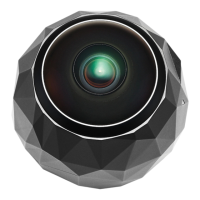
Step 2: Remove your 360fly 4K from the
packaging and place it on its Magnetic
Power Cradle while the cradle is plugged
into a power source. Let your camera
charge for at least 30 minutes.


 To Next Page