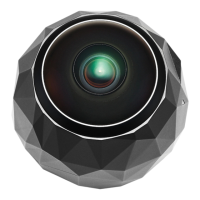
Step 3: Remove your camera from its
Power Cradle and turn it on by holding
the OnePush button down for 4 seconds.
Step 4: Connect your mobile device and
360fly 4K by tapping the Camera
icon in the app. Now tap the Camera
drop down arrow to add or select
a camera.
Step 5: Follow the in-app directions to name
your 360fly 4K, create a profile
and complete your camera’s setup,
including giving your camera a
name you’ll love.
NOTE: For iOS, exit the app, go to your device’s
Settings and connect to your camera’s
Wi-Fi. The camera’s name will be
displayed within your device’s Wi-Fi list.


 To Next Page