Image Server 2000 Owner’s Manual Page 51
Calibrating Channels
Setting the SC/H Phase
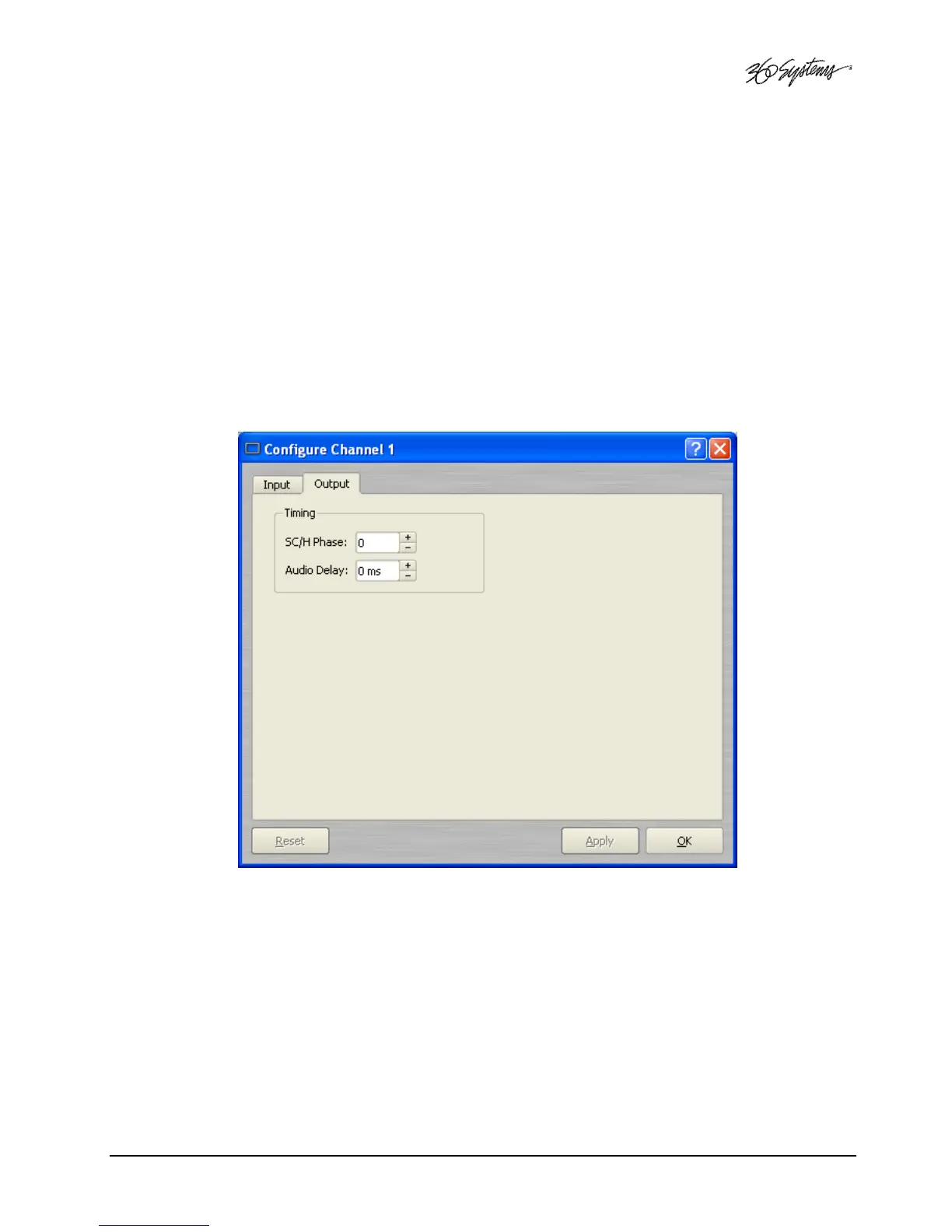
Refer to Figure 15. This parameter adjusts the Sub-Carrier/Horizontal phase relationship. Use a vector
scope to view the phase relationship and adjust the setting. Changes to the setting are effective
immediately without clicking Apply or OK. The adjustment range is ±90°.
Setting the Audio Delay
Refer to Figure 15. Audio timing relative to picture output can be configured for audio channels 1-2
and 3-4. The value is set in millisecond increments, plus-or-minus 1,000ms (up to 1 second). The
setting is applied to a clip when it is loaded for playback. This can compensate for systems issues
downstream from the server that result in leading or lagging audio.
Figure 15 - Playback Channel Configuration


 To Next Page
 Loading...