Page 94 Image Server 2000 Owner’s Manual
Checking Status of the Drives
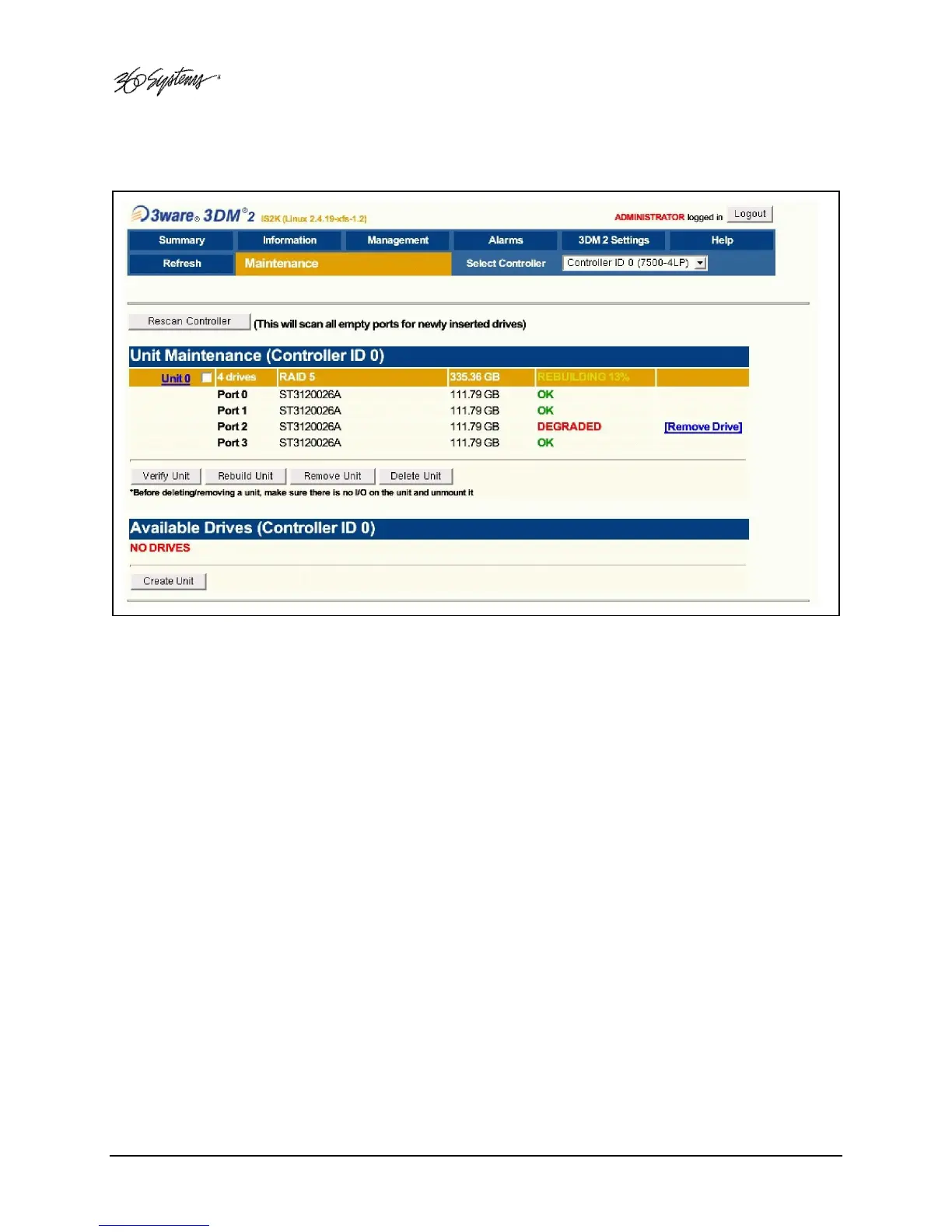
Figure 25: RAID Maintenance Display
To check the status of the RAID drive array, perform the following steps. The above drawing
should appear.
• Select MANAGEMENT>MAINTENANCE.
• Note the status of each drive in the array.



 To Next Page