Image Server 2000 Owner’s Manual Page 95
Removing the Degraded Drive from the RAID Unit
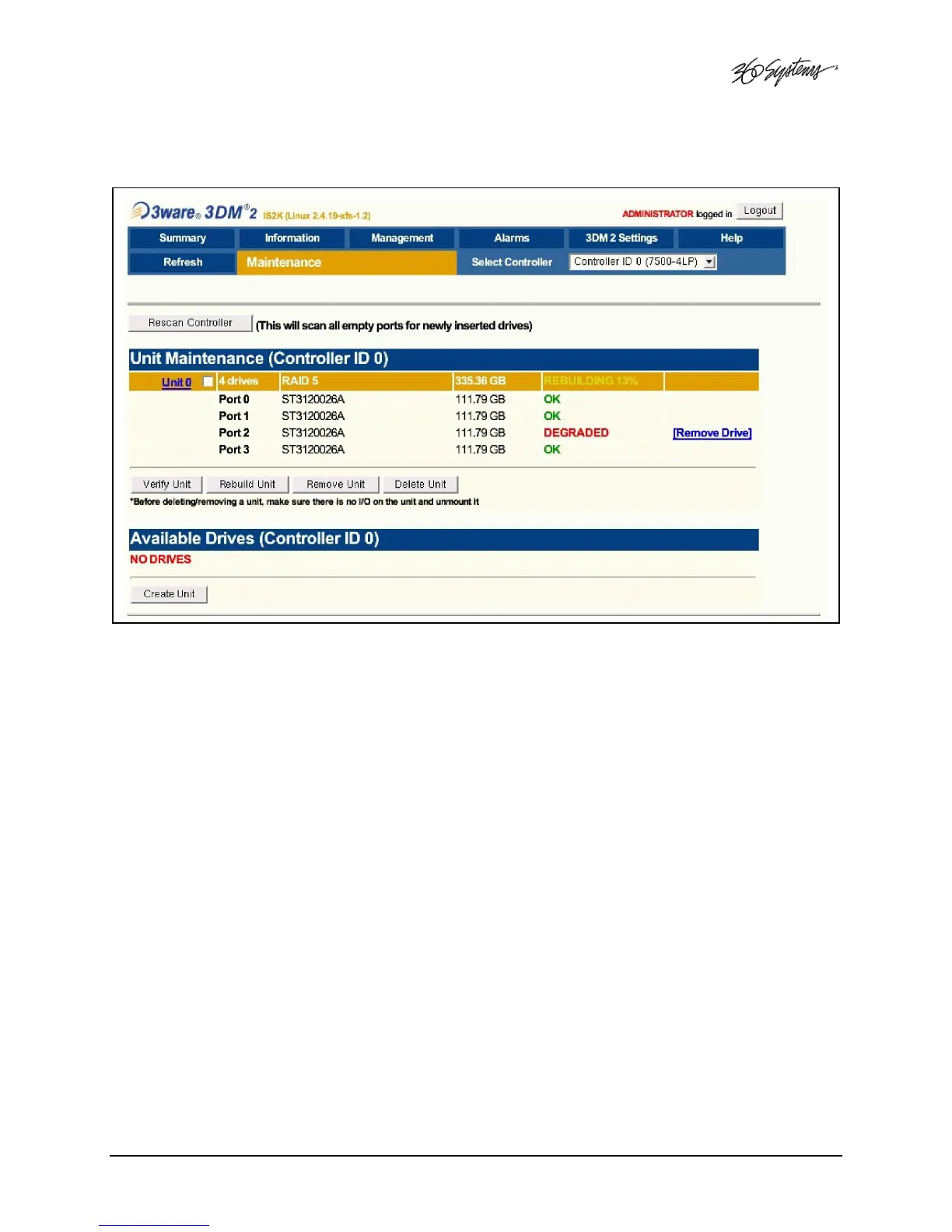
Figure 26: Removing Failed Drive from RAID Controller
The UNIT MAINTENANCE SCREEN above will appear.
• Remove the degraded drive from the menu by clicking Remove Drive.
• Select the Rescan Controller option on the above screen to have the system recognize
the drive as Available.



 To Next Page