EasyManua.ls Logo

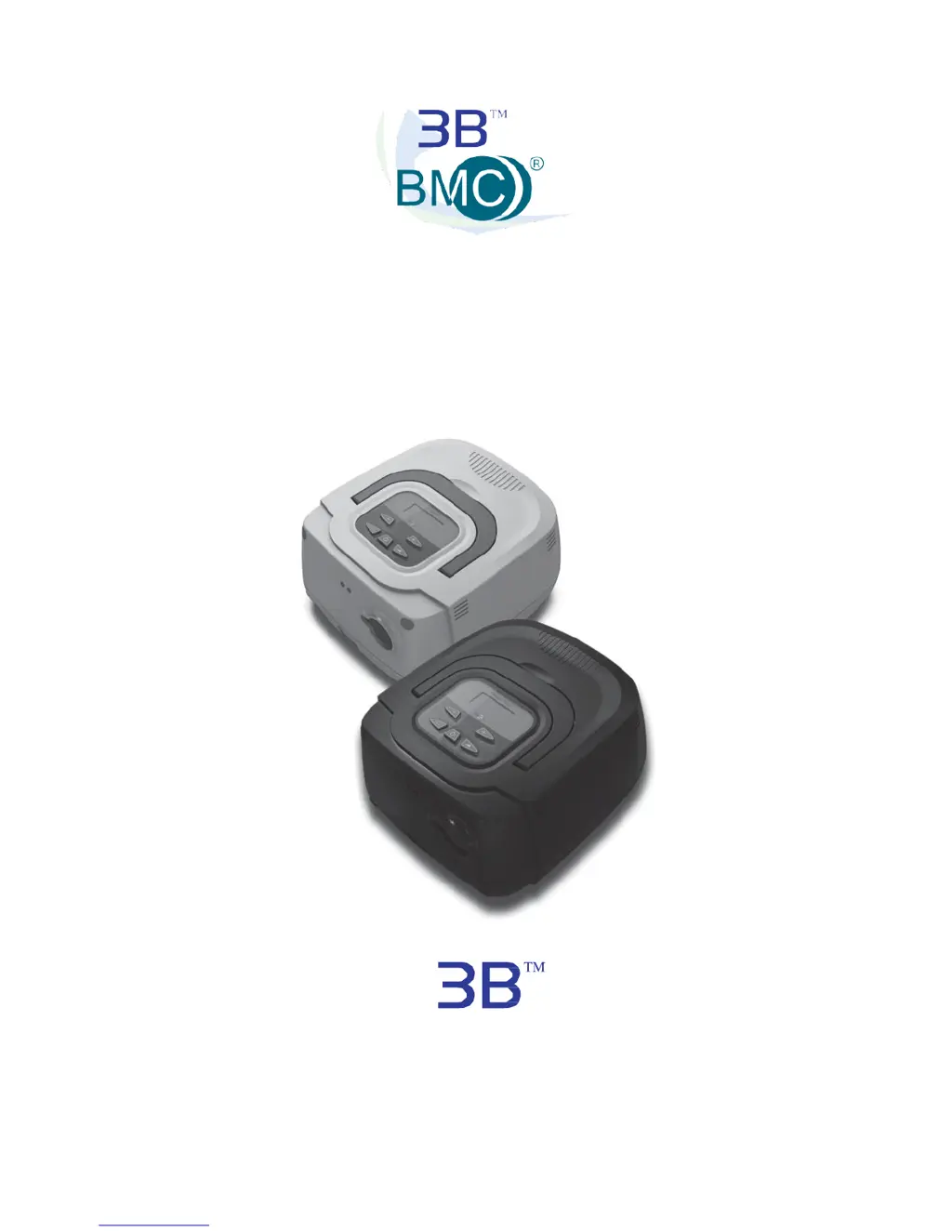
3B RESmart CPAP - User Manual

3B RESmart CPAP
36 pages
Print Icon
To Next Page IconTo Next Page
Loading...
RESmart
®
CPAP and Auto-CPAP
User Manual
Solutions in Sleep Therapy
www.3Bproducts.com

Questions and Answers

  • T
    Toni SilvaAug 1, 2025
    What to do if 3B RESmart CPAP RESmart[®] CPAP and Auto-CPAP will not turn on?
    • K
      Kevin SandovalAug 1, 2025
      If your 3B Respiratory Product RESmart[®] CPAP and Auto-CPAP won't turn on, first ensure it is properly plugged into a working electrical outlet. If it still fails to power on, contact your home care provider for assistance and have the device's serial number ready.
  • W
    wallmatthewAug 6, 2025
    Why does the airflow from my 3B RESmart CPAP Respiratory Product RESmart[®] CPAP and AutoCPAP seem warm?
    • J
      Jennifer MarquezAug 6, 2025
      If the airflow from your 3B Respiratory Product RESmart[®] CPAP and AutoCPAP feels warm, try the following: * Replace or clean the filter. * Ensure that the device is not surrounded by bedding or curtains that could block airflow. * Keep the device away from heating equipment such as vents or radiators.
  • T
    Tristan GrahamAug 13, 2025
    How to adjust pressure on 3B Respiratory Product if it feels different?
    • P
      Pamela VelasquezAug 13, 2025
      If the pressure being delivered by your 3B Respiratory Product feels different, check the altitude setting and adjust if necessary to match your current altitude. If the setting is correct and the issue persists, contact your home care provider for further assistance, and have the device's serial number ready.
  • C
    Connor JacksonAug 18, 2025
    What to do if 3B RESmart CPAP RESmart[®] CPAP and AutoCPAP is making unusual noises?
    • C
      Carol OrtizAug 18, 2025
      If the noise level of your 3B Respiratory Product RESmart[®] CPAP and AutoCPAP has changed and includes unusual or harsh sounds, contact your home care provider for assistance. Please have the device’s serial number ready when you call.
  • K
    Kayla RodriguezAug 25, 2025
    What to do if 3B Respiratory Product RESmart[®] CPAP and Auto-CPAP gets wet?
    • M
      Morgan SmithAug 26, 2025
      If your 3B Respiratory Product RESmart[®] CPAP and Auto-CPAP has been dropped into water or fluids have entered the enclosure, immediately discontinue use and disconnect the power cord from the AC wall outlet. Contact your home care provider for directions on having the device serviced, and have the device’s serial number ready.

Summary

Indications for Use

Contraindications

Lists conditions where positive airway pressure therapy may be contraindicated.

Warnings and Cautions

General Safety Warnings

Provides crucial warnings for safe operation, including rebreathing, temperature, and electrical hazards.

Device Safety and Precautions

Specifications

Available Therapies

System Features

First Time Setup

Initial Setup Warnings

Provides important warnings and cautions before starting the setup process.

Device Operation and Controls

Setting Therapy Parameters

Patient Menu Navigation

Guides on accessing and navigating the patient menu for settings.

Selecting Patient Device Settings

Configuring Device Settings

Advanced Settings and Data Review

iCode Sleep Reports

Explains how to generate sleep reports using iCode strings via a website.

Time Settings and Saving Configuration

Smartphone App Integration

Assembling the Circuit

Assembly Warnings

Critical warnings about multi-person use, filter installation, and port blockage.

Circuit Connection and Humidifier

Full Face Mask Safety

Specifies the requirement for an anti-asphyxia valve on full face masks.

Humidifier Attachment and Warnings

Explains humidifier availability and warns against connecting unauthorized accessories.

Using Oxygen with Device

Oxygen Supply Regulations

States that oxygen supply must comply with local regulations.

Oxygen Usage Safety

Provides crucial warnings about turning oxygen on/off relative to the device and fire risks.

Routine Patient Use

Connecting and Adjusting Circuit

Guides on connecting and fitting the mask and tubing for optimal use.

Using the Ramp Button

Explains how to use the ramp button during the night for comfort.

Turning the System OFF

Device Shutdown Procedure

Instructions on how to properly turn off the CPAP device after use.

Routine Maintenance

Service and Reordering

Service Limitations and Warnings

Notes no routine servicing and warns against unauthorized repairs.

Traveling with RESmart

Troubleshooting

3B RESmart CPAP Specifications

General IconGeneral
TypeCPAP
Therapy ModesCPAP
Pressure Range4-20 cmH2O
HumidifierIntegrated heated humidifier
Data StorageSD card
Altitude CompensationAutomatic
Power Supply100-240V AC, 50/60Hz
Sound Level<30 dBA
Automatic Leakage CompensationYes
Battery OptionOptional external battery
DisplayLCD screen

Related product manuals