OSPF Configuration 141
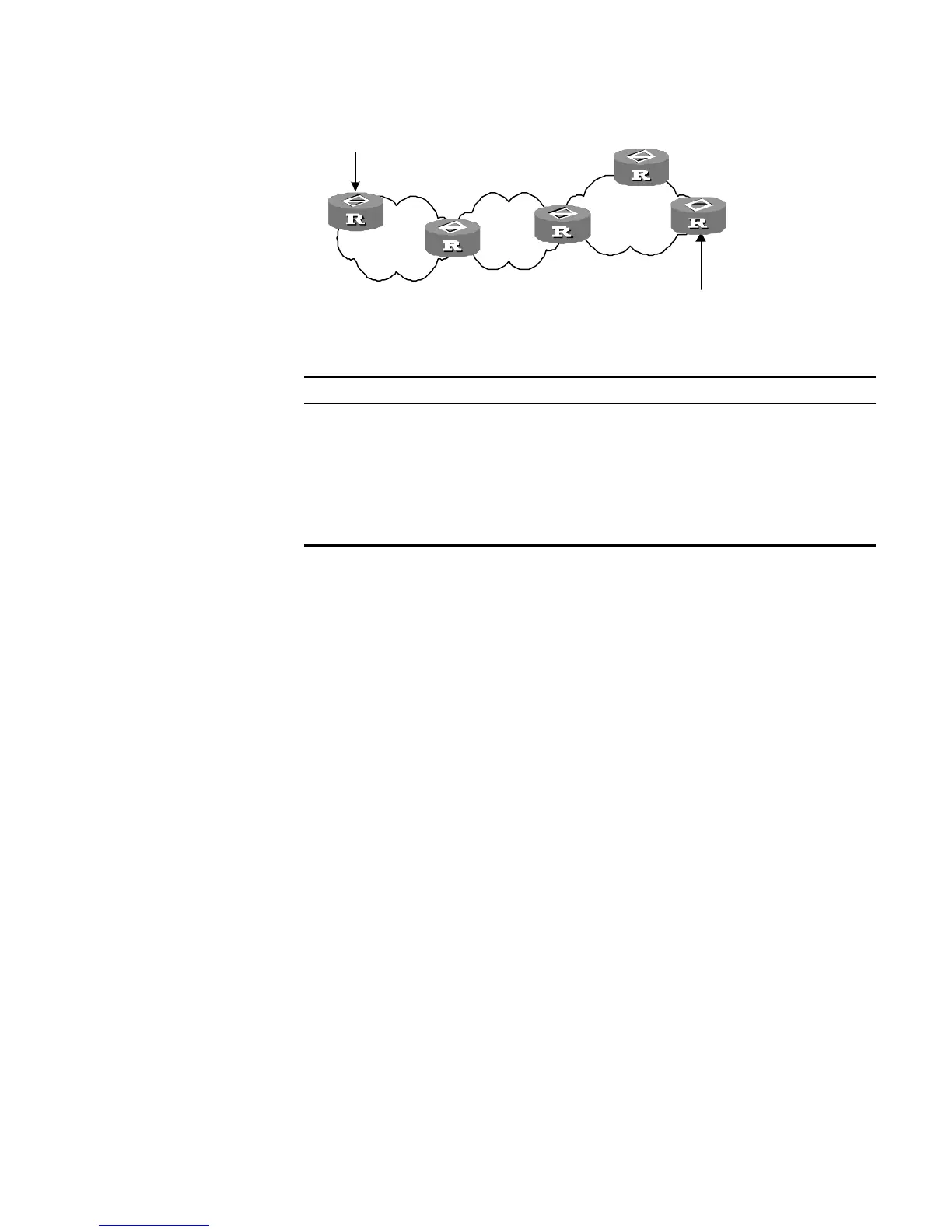
Figure 32 NSSA area
Perform the following configuration in OSPF Area View.
All the routers connected to the NSSA should use the nssa command to configure
the area with the NSSA attributes.
The default-route-advertise parameter is used to generate the default type-7
LSAs. When
default-route-advertise is configured, the default type-7 LSA
route is generated on the ABR, even though the default route 0.0.0.0 is not in the
routing table. On an ASBR, however, the default type-7 LSA route can be
generated only if the default route 0.0.0.0 is in the routing table.
Executing the no-import-route command on the ASBR prevents the external
routes that OSPF imported through the
import-route command from advertising
to the NSSA. Generally, if an NSSA router is both ASBR and ABR, this argument is
used.
The default-cost command is used on the ABR attached to the NSSA. Using this
command, you can configure the default route cost on the ABR to NSSA.
By default, the NSSA is not configured, and the cost of the default route to the
NSSA is 1.
Configuring the Route Summarization of OSPF Area
Route summary means that ABR can aggregate information of routes of the same
prefix and advertise only one route to other areas. An area can be configured with
multiple aggregate segments allowing OSPF can summarize them. When the ABR
transmits routing information to other areas, it will generate Sum_net_Lsa (type-3
LSA) per network. If continuous networks exist in this area, you can use the
abr-summary command to summarize these segments into one segment. Thus,
the ABR only needs to send an aggregate LSA, and all the LSAs in the range of the
aggregate segment specified by the command are not transmitted separately.
Tab le 145 Configuring the NSSA of OSPF
Operation Command
Configure an area to be the NSSA area nssa [ default-route-advertise |
no-import-route | no-summary ]*
Cancel the configured NSSA undo
nssa
Configure the default cost value of the
route to the NSSA
default-cost
cost
Restore the default cost value of the
route to the NSSA area
undo
default-cost
area 0
area 1
NSSA
area 2
RIP
RIP
NSSA
ASBR
NSSA
ABR
area 0
area 1
NSSA
area 2
RIP
RIP
NSSA
ASBR
NSSA
ABR













 To Next Page