210 CHAPTER 8: ACL CONFIGURATION
Advanced ACL
Configuration Example
Networking Requirements
The interconnection between different departments on a company network is
implemented through the 1000 Mbps ports of the Switch. The IP address of the
payment query server of the Financial Dept. is 129.110.1.2. Financial Dept is
accessed via GigabitEthernet1/0/1. It is required to properly configure the ACL and
limit Financial Dept access to the payment query server between 8:00 and 18:00.
Networking Diagram
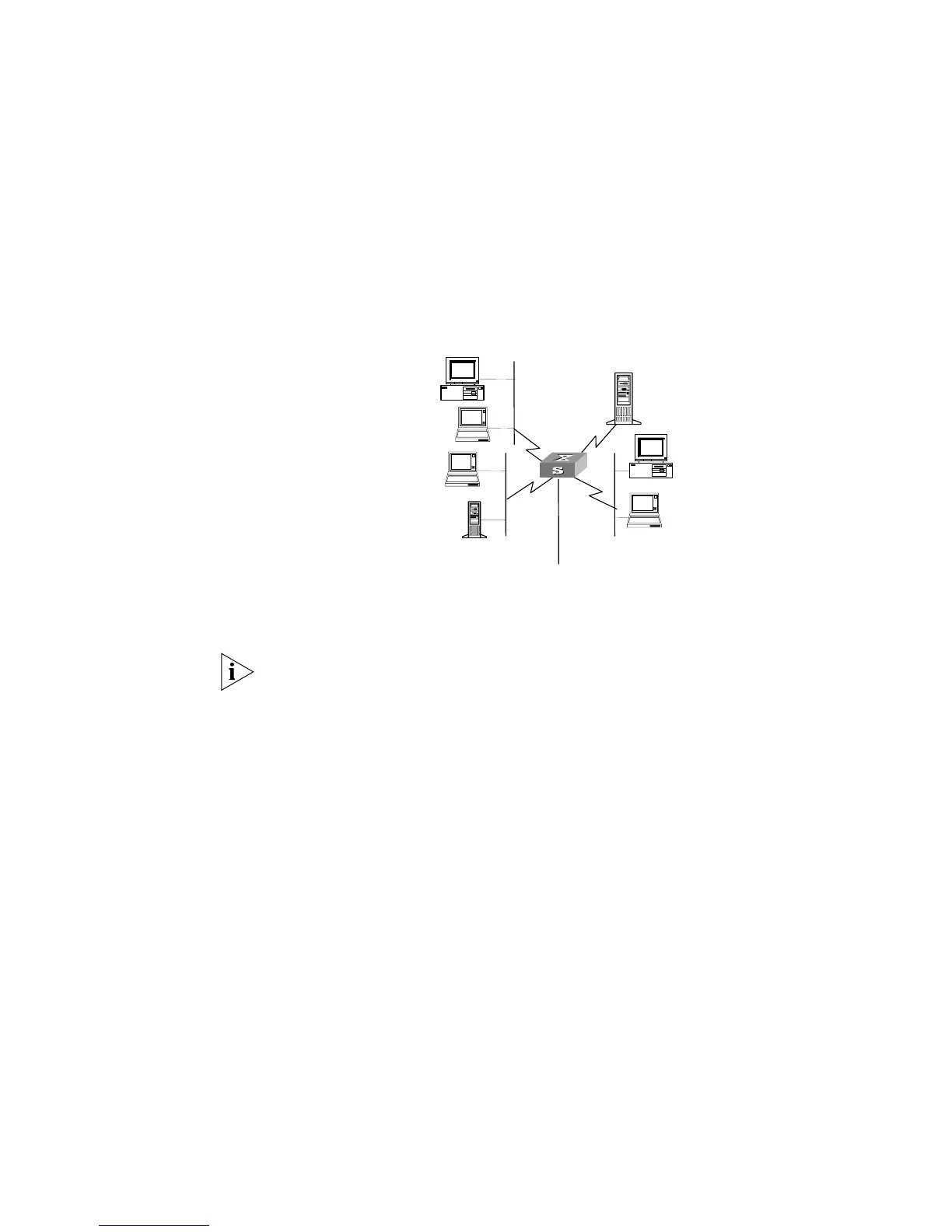
Figure 47 Access Control Configuration Example
Configuration Procedure
In the following configurations, only the commands related to ACL configurations
are listed.
1 Define the work time range
Define time range from 8:00 to 18:00.
[SW5500]time-range 3Com 8:00 to 18:00 working-day
2 Define the ACL to access the payment server.
a Enter the numbered advanced ACL, number as 3000.
[SW5500]acl number 3000 match-order config
b Define the rules for other department to access the payment server.
[SW5500-acl-adv-3000]rule 1 deny ip source any destination
129.110.1.2 0.0.0.0 time-range 3Com
c Define the rules for the President’s Office to access the payment server.
[SW5500-acl-adv-3000]rule 2 permit ip source 129.111.1.2 0.0.0.0
destination 129.110.1.2 0.0.0.0
3 Activate ACL.
Activate the ACL 3000.
[SW5500-GigabitEthernet1/0/1]packet-filter inbound ip-group 3000
Administration Department
subnet address
10.120.0.0
Financial Department
subnet address
10.110.0.0
Office of President
129.111.1.2
Pay query server
129.110.1.2
Switch
#1
#4
#3
#2
Connected to a router













 To Next Page