228 CHAPTER 8: ACL CONFIGURATION
Table 255 Defining Basic ACL
You can define multiple rules for an ACL by using the rule command several
times.
Importing ACL You can import a defined ACL in User Interface View to achieve ACL control.
Perform the following configurations respectively in System View and User
Interface View.
Table 256 Importing ACL
See the Command Reference Manual for details about these commands.
Configuration Example Networking Requirement
Only the Telnet users from 10.110.100.52 and 10.110.100.46 can access the
Switch.
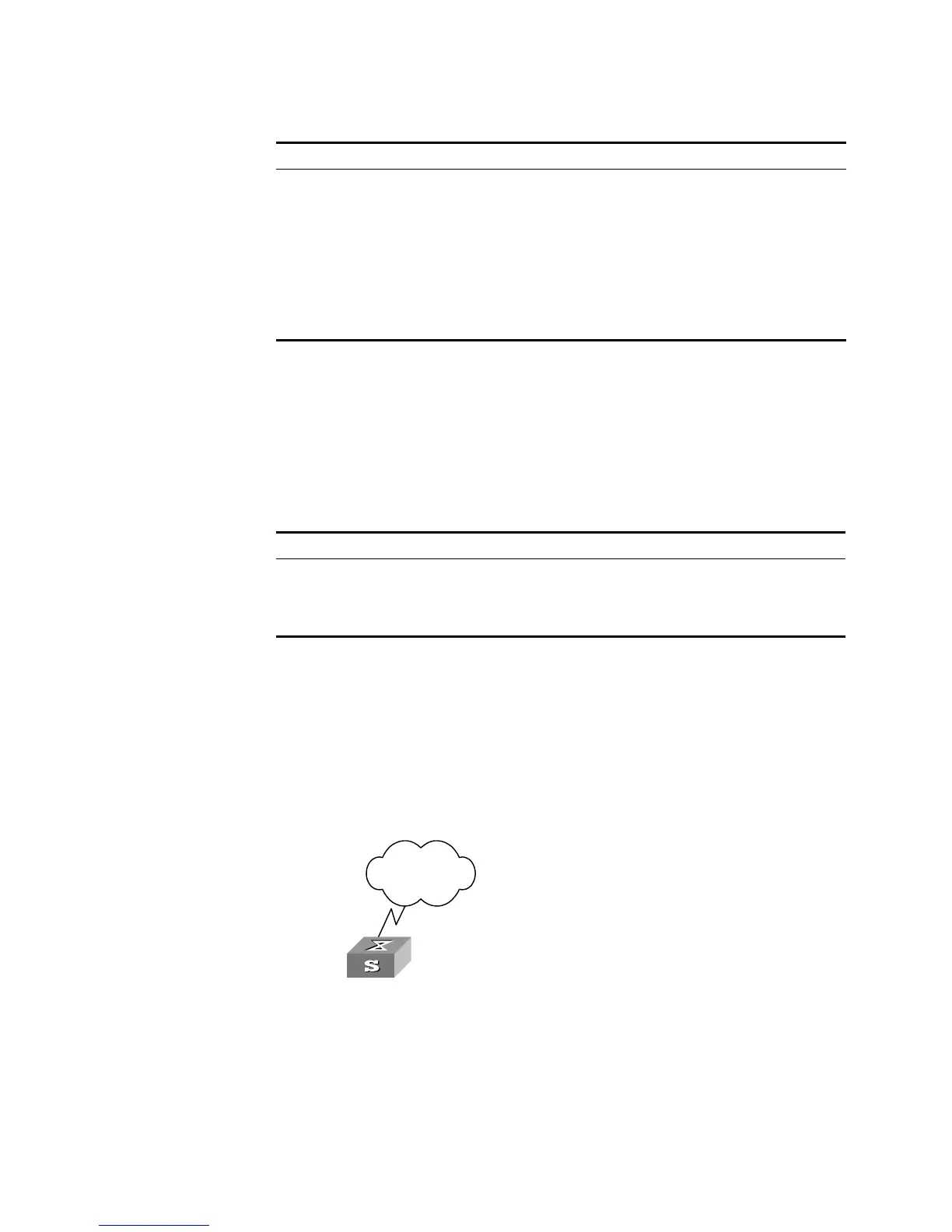
Networking Diagram
Figure 56 ACL configuration for Telnet users
Configuration Procedure
1 Define a basic ACL.
[SW5500]acl number 2000 match-order config
[SW5500-acl-basic-2000]rule 1 permit source 10.110.100.52 0
[SW5500-acl-basic-2000]rule 2 permit source 10.110.100.46 0
[SW5500-acl-basic-2000]quit
Operation Command
Enter basic ACL (System View) acl number
acl_number
match-order { config |
auto }
Define a sub-rule (Basic ACL
View)
rule [
rule-id
] { permit | deny } [ source
{
source_addr wildcard
| any } | fragment
| logging | time-range
name
]*
Delete a sub-rule (Basic ACL
View)
undo rule
rule_id
[ source | fragment |
logging | time-range ]*
Delete an ACL or all ACLs
(System View)
undo acl { number
acl_number
| all }
Operation Command
Enter user interface view
(System View)
user-interface [
type
]
first_number
[
last_number
]
Import the ACL (User Interface
View)
acl
acl_number
{ inbound | outbound }
Internet
Switch













 To Next Page