Fabric Configuration Example 235
Displaying and
Debugging a Fabric
Following completion of the above configuration, you can execute the display
command in any view to view device management and verify the settings.
Tab le 263 Displaying and Debugging FTM
Fabric Configuration
Example
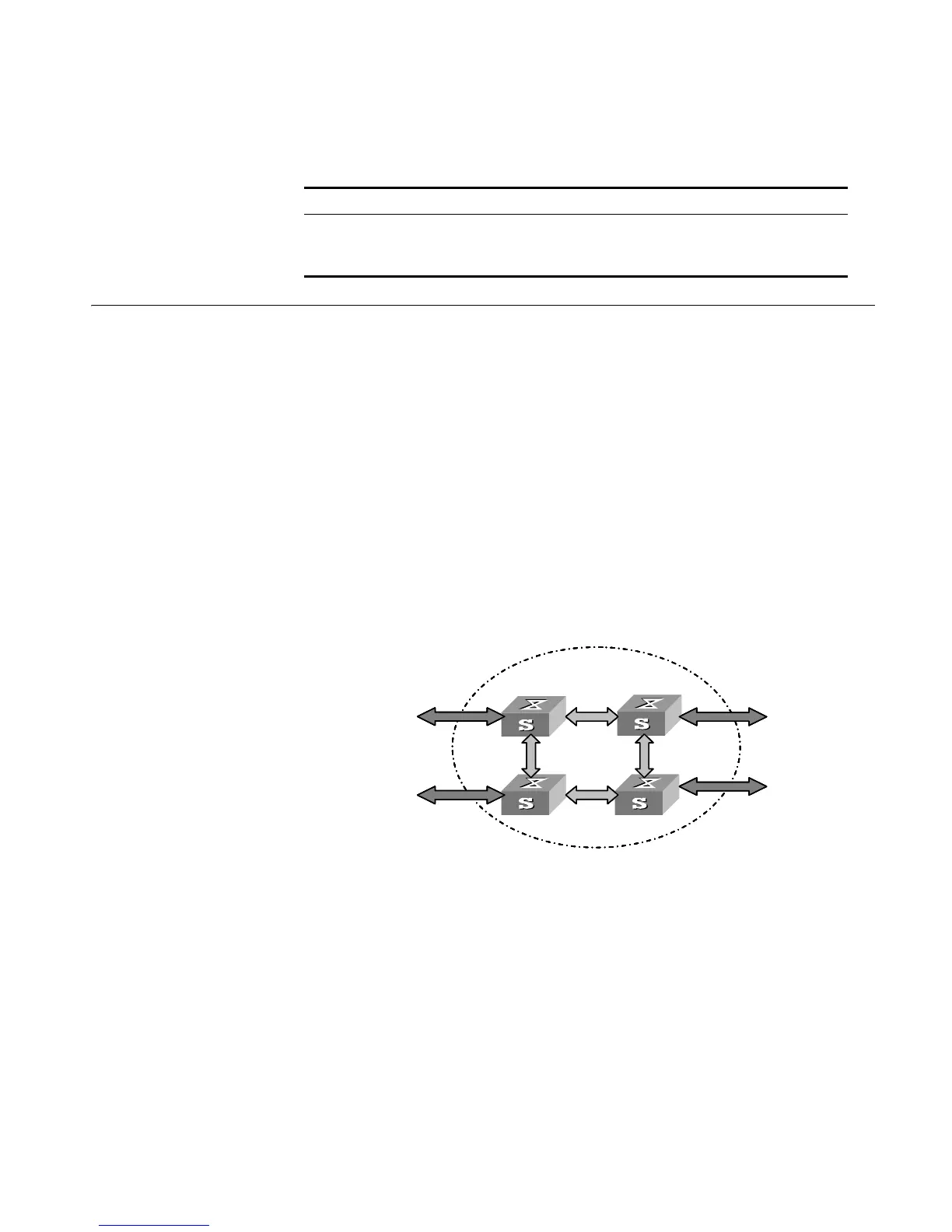
Networking Requirements
Configure unit ID, unit name, Fabric name, and authentication mode for four
Switches, and interconnect them to form a Fabric.
The configuration details are as follows:
■ Unit IDs: 1, 2, 3, 4
■ Unit names: unit 1, unit 2, unit 3, unit 4
■ Fabric name: hello
■ Authentication mode: simple password
■ Password: welcome
Networking Diagram
Figure 60 Networking Diagram of a Fabric
Configuration Procedure
Configure Switch A:
[SW5500]change unit-id 1 to 1
[SW5500]set unit 1 name unit1
[SW5500]sysname hello
Configure Switch B:
[SW5500]change unit-id 1 to auto-numbering
[SW5500}set unit 1 name unit2
[SW5500]sysname hello
Configure Switch C:
[SW5500]change unit-id 1 to auto-numbering
Operation Command
Display the information of the entire Fabric display xrn-fabric [ port ]
Display the topology information of Fabric display ftm{ information |
route | topology-database }
Fabric
Fabric port
user port
Fabric
Fabric port
user port
Switch A Switch B
Switch C Switch D
Fabric
Fabric port
user port
Fabric
Fabric port
user port
Switch A Switch B
Switch C Switch D













 To Next Page