290 CHAPTER 11: 802.1X CONFIGURATION
Configuring the FTP/Telnet User Local Authentication
Configuring local authentication for FTP users is similar to that for Telnet users. The
following example is based on Telnet users.
Networking Requirements
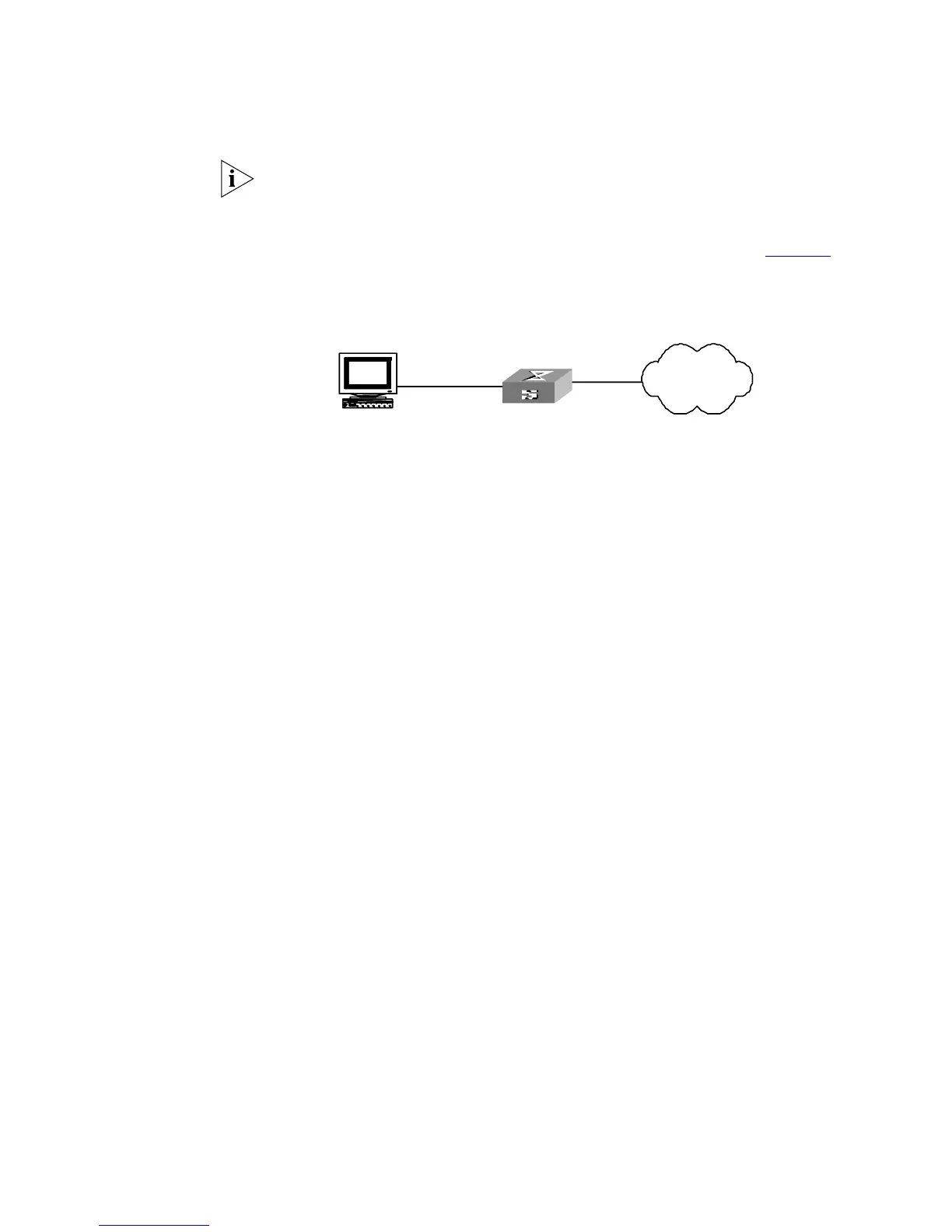
Configure the router to authenticate the login Telnet users locally (see Figure 70).
Networking Diagram
Figure 70 Local Authentication for Telnet Users
Configuration Procedure
1 Method 1: Using Local scheme.
a Apply AAA authentication to Telnet users.
<SW5500>system-view
[SW5500]user-interface vty 0 4
[SW5500-ui-vty0-4]authentication-mode scheme
[SW5500-ui-vty0-4]quit
b Create a local user telnet.
[SW5500]local-user telnet
[SW5500-luser-telnet]service-type telnet
[SW5500-luser-telnet]password simple 3com
[SW5500-luser-telnet]attribute idle-cut 300 access-limit 5
[SW5500-luser-telnet]quit
[SW5500]domain cams
[SW5500-isp-cams]scheme local
Telnet users use usernames in the “userid@cams” format to log onto the network
and are to be authenticated as users of the cams domain.
2 Method 2: Using Local RADIUS authentication server.
Local server method is similar to remote RADIUS authentication. But you should
modify the server IP address to 127.0.0.1, authentication password to 3com, the
UDP port number of the authentication server to 1645.
Configuring the Switch
5500G-EI
General RADIUS setup
The Switch 5500G-EI supports multiple RADIUS schemes, which can be assigned
to a domain.
This guide covers the recommended steps to setup the Switch 5500G-EI for login.
Domain and RADIUS scheme creation
The Switch 5500G-EI can have 1 or more domains created on it. A domain on the
Switch 5500G-EI is similar to a windows domain. By default, there is one domain
created called "system". This uses the local scheme to validate users. The
Internet
telnet user
Internet
Internet
telnet user
Internet













 To Next Page