FTP Overview 299
You may erase the configuration files from the Flash in the following cases:
■ After being upgraded, the software does not match with the configuration
files.
■ The configuration files in flash are damaged. (A common case is that a wrong
configuration file has been downloaded.)
Configuring the Name of
the Configuration File
used for the Next
Startup.
Perform the following configuration in User View.
Tab le 341 Configure the Name of the Configuration File used for the Next Startup
cfgfile
is the name of the configuration file and its extension name can be
“.cfg”. The file is stored in the root directory of the storage devices.
After the above configuration, execute display command in any view to display
the running of the configuration files, and to verify the effect of the configuration.
Tab le 342 Display the Information of the File used at Startup
FTP Overview FTP is a common way to transmit files on the Internet and IP network. Before the
World Wide Web (WWW), files were transmitted in the command line mode and
FTP was the most popular application. Even now, FTP is still used widely, while
most users transmit files via email and Web.
FTP, a TCP/IP protocol on the application layer, is used for transmitting files
between a remote server and a local host.
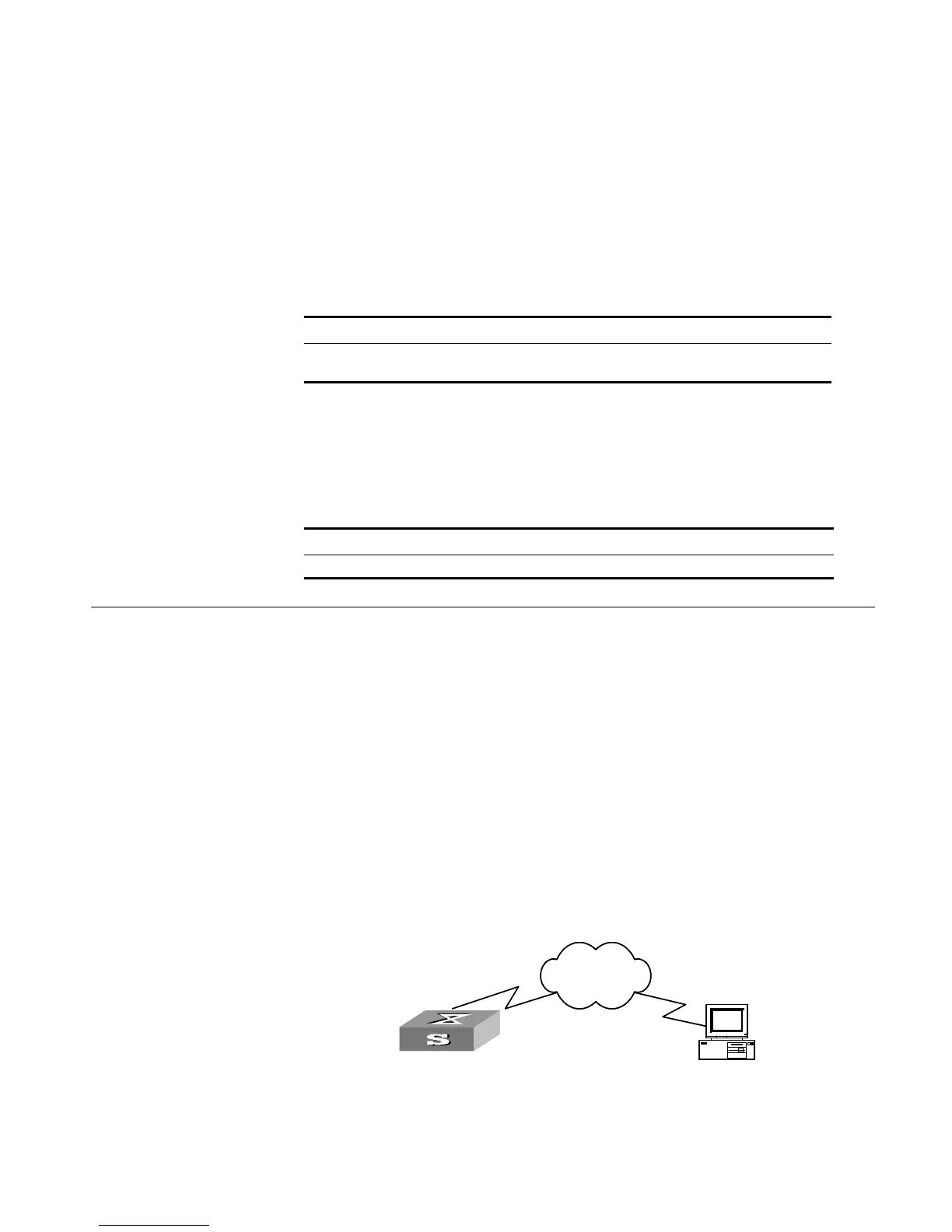
The Switch provides the following FTP services:
■ FTP server: You can run FTP client program to log in the server and access the
files on it.
■ FTP client: After connected to the server through running the terminal emulator
or Telnet on a PC, you can access the files on it, using FTP command.
Figure 71 FTP Configuration
Operation Command
Configure the name of the configuration
file used for the next startup
startup saved-configuration [
unit unitid ]
cfgfile
Operation Command
Display the information of the file used at startup display startup
Switch
PC
Network
SwitchSwitch
PC
Network













 To Next Page