MAC Address Table Management 307
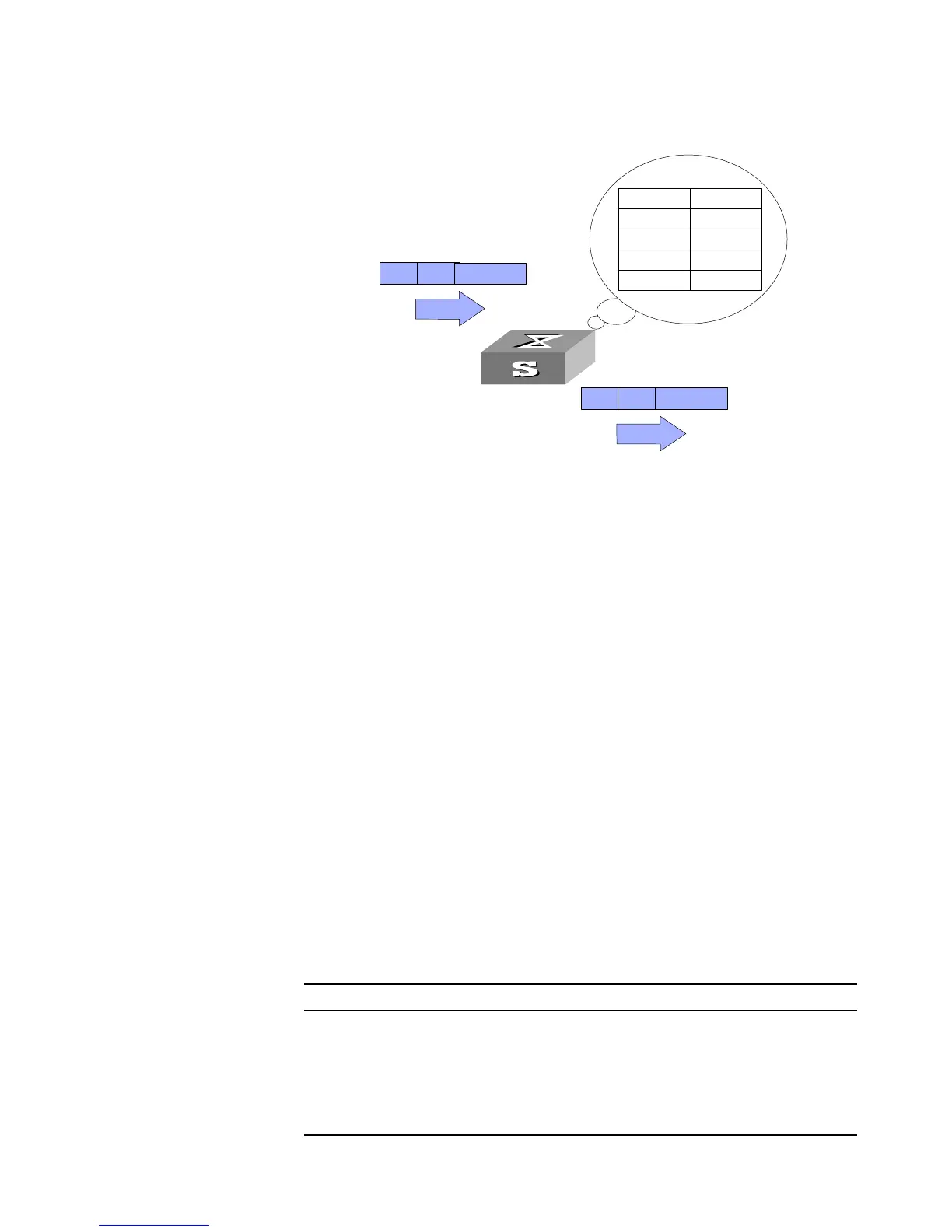
Figure 76 The Switch Forwards Packets with MAC Address Table
The Switch also provides the function of MAC address aging. If the Switch receives
no packet for a period of time, it will delete the related entry from the MAC
address table. However, this function takes no effect on the static MAC addresses.
You can configure (add or modify) the MAC address entries manually according to
the actual networking environment. The entries can be static ones or dynamic
ones.
MAC Address Table
Configuration
MAC address table management includes:
■ Set MAC Address Table Entries
■ Set MAC Address Aging Time
■ Set the maximum count of MAC addresses learned by a port
Setting MAC Address Table Entries
Administrators can manually add, modify, or delete the entries in MAC address
table according to the actual needs. They can also delete all the (unicast) MAC
address table entries related to a specified port or delete a specified type of entry,
such as dynamic entries or static entries.
You can use the following commands to add, modify, or delete the entries in the
MAC address table.
Perform the following configuration in System View.
Tab le 352 Set MAC Address Table Entries
MAC Address Port
MACA 1
MACB 1
MACC 2
MACD 2
MACD MACA
......
Port 1
MACD MACA
......
Port 2
Operation Command
Add/Modify an address entry mac-address { static | dynamic | blackhole
}
mac-address
interface {
interface-name
|
interface-type interface-num
} vlan
vlan-id
Delete an address entry undo mac-address [ { static | dynamic |
blackhole }
mac-address
interface {
interface-name
|
interface-type
interface-num
} vlan
vlan-id
]













 To Next Page