364 CHAPTER 12: FILE SYSTEM MANAGEMENT
Displaying and
Debugging NTP
After completing the above configurations, you can use the display command to
show how NTP runs and verify the configurations according to the outputs.
In User View, you can use the debugging command to debug NTP.
Table 449 NTP Display and Debugging
Typica l N TP
Configuration
Examples
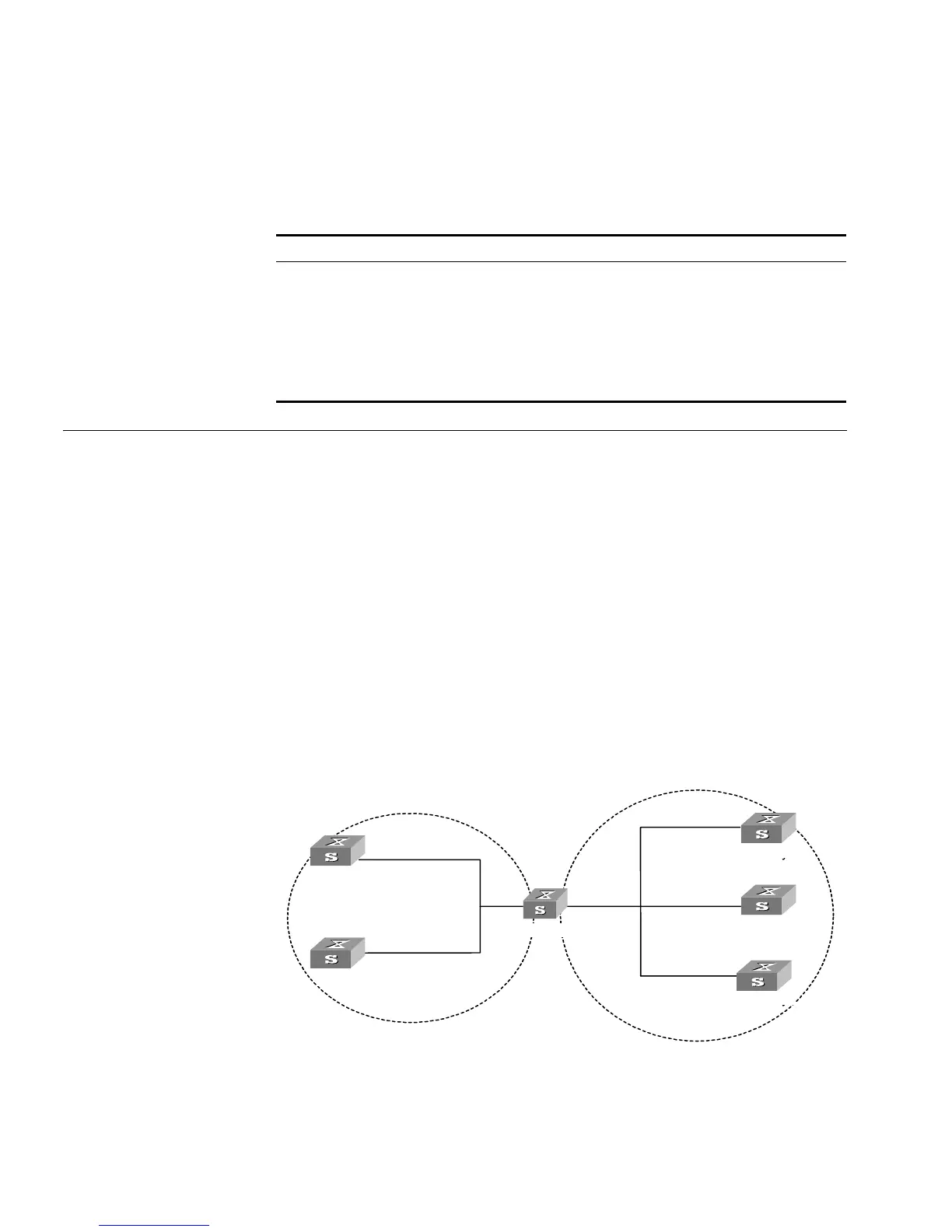
Configure NTP Server Network Requirements
On Switch1, set the local clock as the NTP master clock at stratum 2. On Switch 2,
configure Switch 1 as the time server in server mode and set the local equipment
as in client mode.
Networking Diagram
Figure 94 Typical NTP Configuration Networking Diagram
Operation Command
Display the status of NTP service display ntp-service status
Display the status of sessions maintained by NTP
service
display ntp-service sessions
[ verbose ]
Display the brief information about every NTP time
server on the way from the local equipment to the
reference clock source.
display ntp-service trace
Enable NTP debugging debugging ntp-service
......
Vlan-interface2:
1.0.1.11
Quidway0
Quidway1
Quidway2
Quidway3
Quidway4
Quidway5
Vlan-interface2:
1.0.1.12
Vlan-interface2:
3.0.1.31
Vlan-interface2:
3.0.1.32
Vlan-interface2:
3.0.1.33
1.0.1.2 3.0.1.2
Switch 1
Switch 2
Switch 3
Switch 4
Switch 0
Switch 5













 To Next Page