376 CHAPTER 12: FILE SYSTEM MANAGEMENT
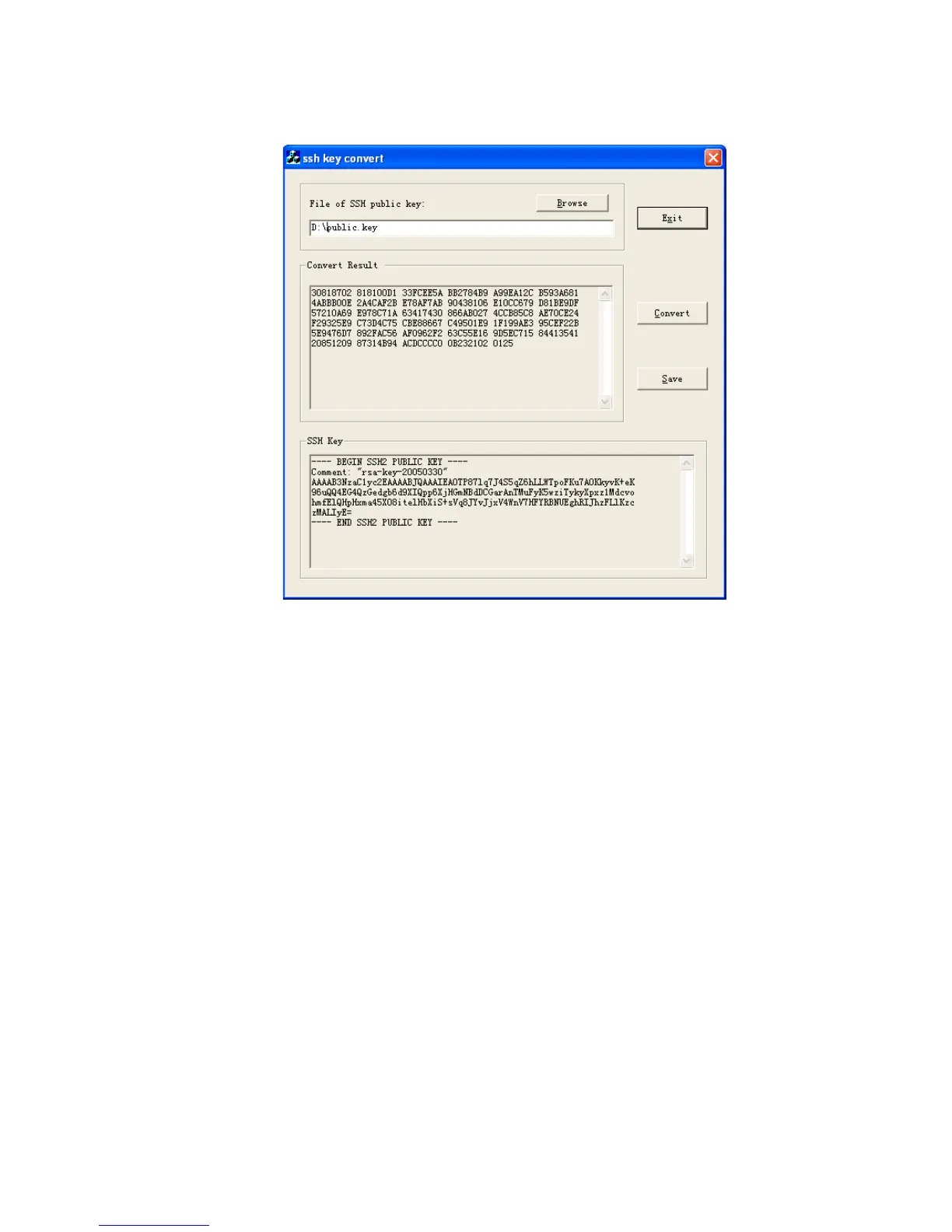
Figure 99 SSH key convert.
Use the save button to save this converted key to a file.
Open the public key file in notepad and the following lines of text before the
existing text:
rsa peer-public-key
mykey
public-key-code begin
where
myKey
is a name used to identify the key within the switch, you may choose
any name for this.
Then add the following after the existing text:
public-key-code end
peer end
Also remove any blank lines from the file.
The file should look like this:













 To Next Page