378 CHAPTER 12: FILE SYSTEM MANAGEMENT
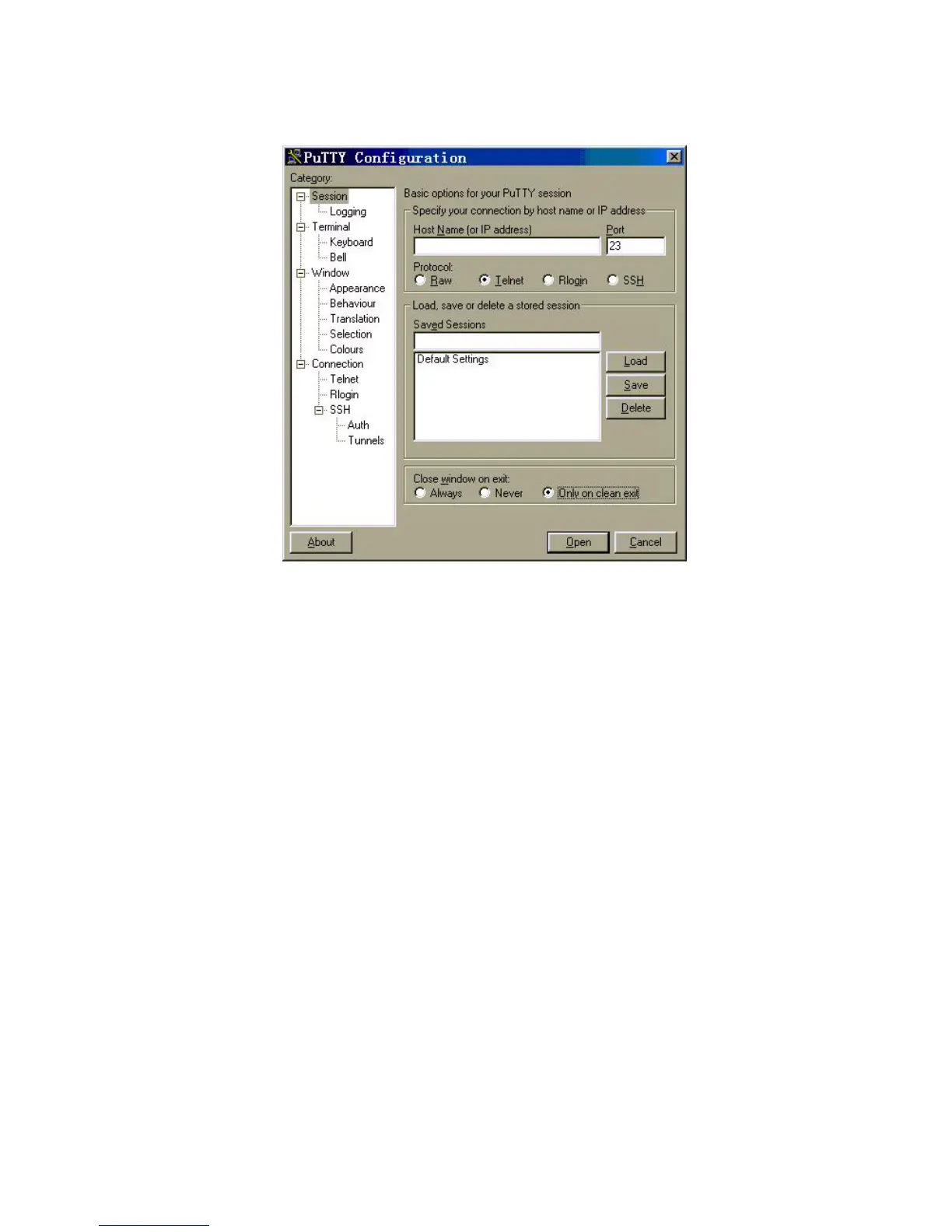
Figure 101 SSH Client Configuration Interface (1)
In the Host Name (or IP address) text box key in the IP address of the Switch, for
example, 10.110.28.10. You can also input the IP address of an interface in UP
state, but its route to SSH client PC must be reachable.
Selecting SSH Protocol
Select SSH for the Protocol item.
Choosing SSH Version
Click the left menu [Category/Connection/SSH] to enter the interface shown in
following figure:













 To Next Page