Setting Up A RADIUS Server 397
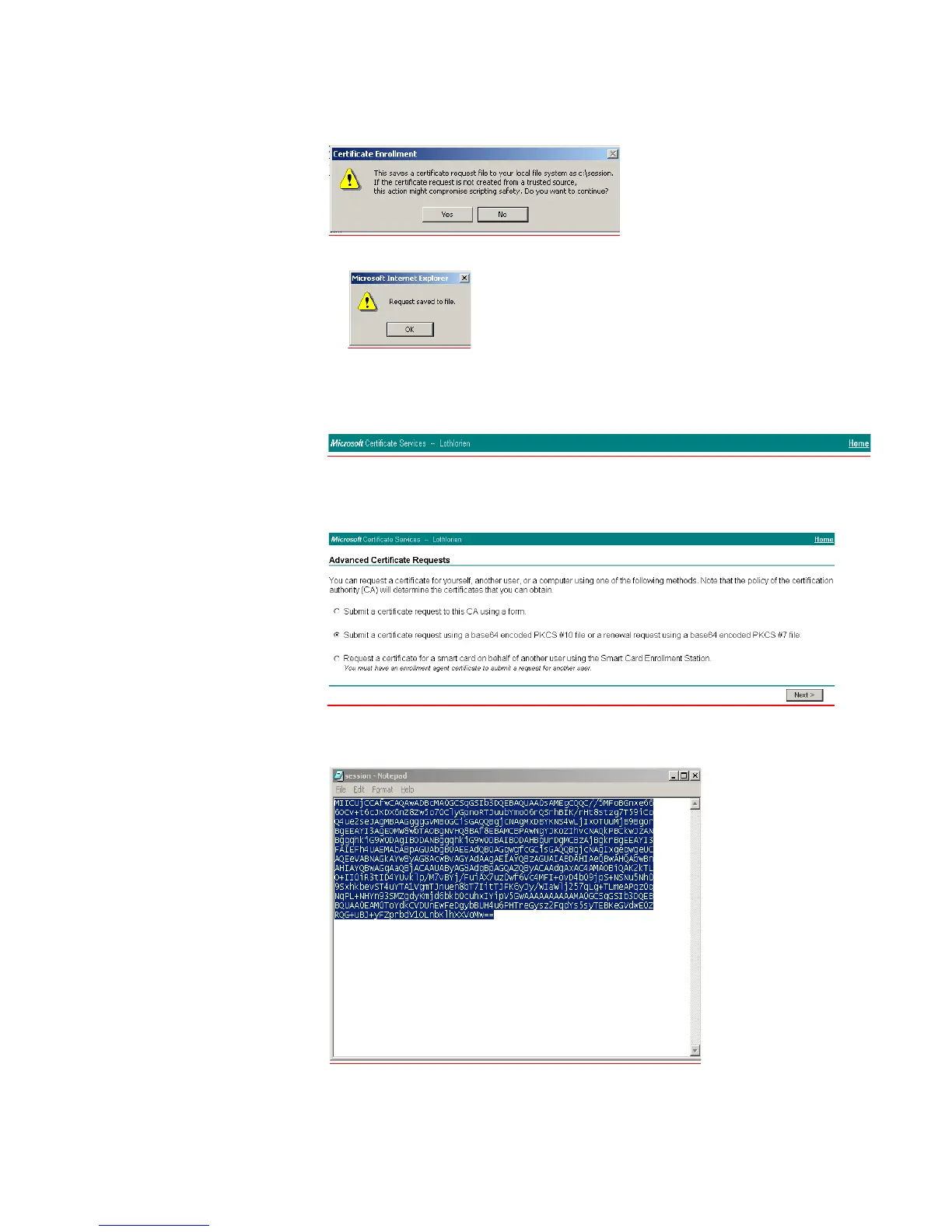
followed by this warning message, select Yes
and then OK
The PKCS #10 file is now saved to the local drive.
h To generate a portable certificate using PKCS #10, click the Home hyperlink at
the top right of the CA Webpage.
i Select Request a certificate > Next > Advanced request > Next
j Select the second option as shown in the screenshot below, and click Next >
k Open the previously saved PKCS #10 certificate file in Notepad, select all
(Control + a) and copy (Control + c), as shown below













 To Next Page