408 CHAPTER B: RADIUS SERVER AND RADIUS CLIENT SETUP
Table 459 Summary of auto VLAN attributes
Table 460 Summary of QoS attributes
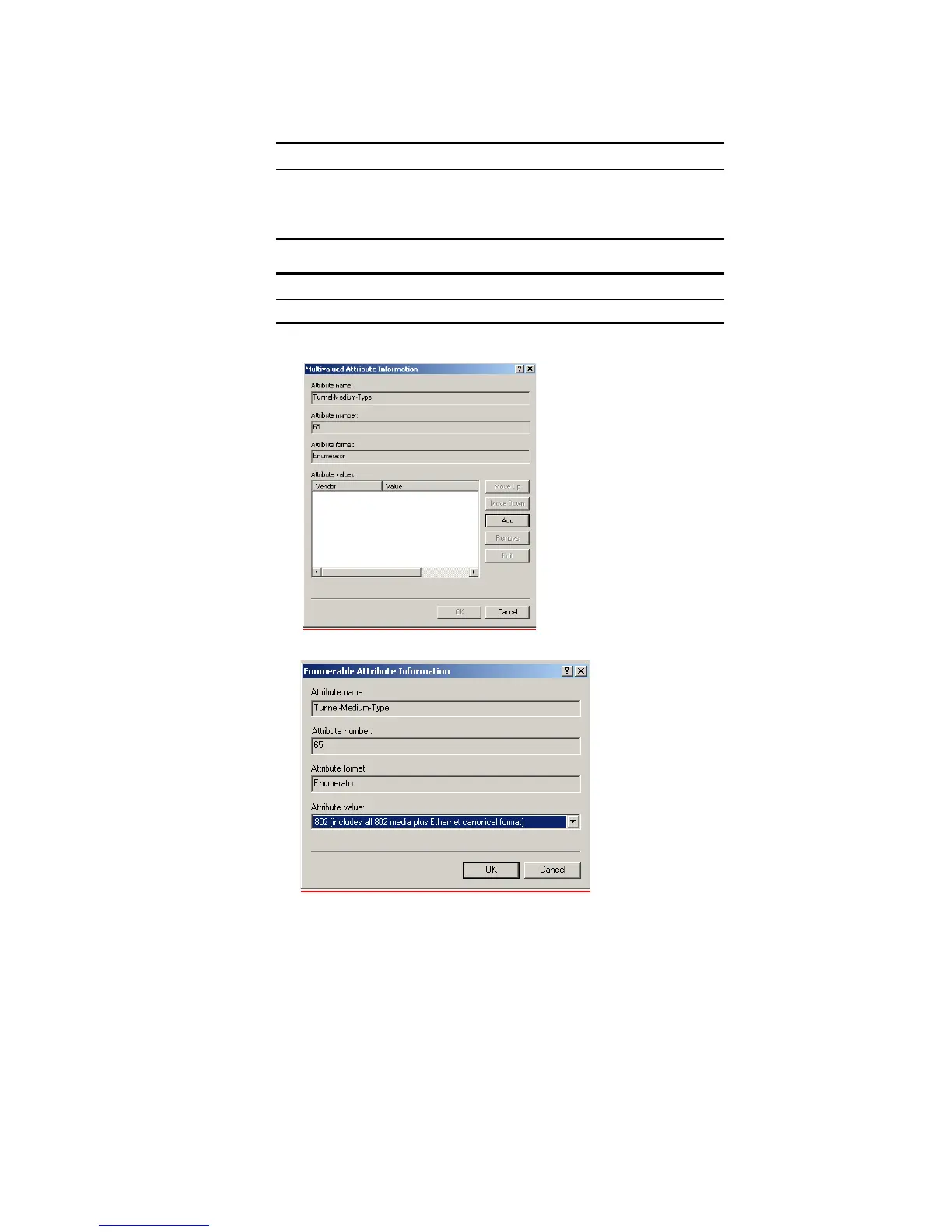
j Select Tunnel-Medium-Type and click Add.
k Ensure that the Attribute value is set to 802 and click OK.
l Click OK again on the Multivalued Attribute Information screen to return to the
Add Attributes screen.
For Auto VLAN Return String Comment
Tunnel-Medium-type 802
Tunnel-Private-Group-ID 2 VLAN value
Tunnel-Type VLAN
For Auto QoS Return String Comment
Filter-id profile=student QoS Profile name













 To Next Page