Setting Up the RADIUS Client 419
d Click OK to finish the configuration.
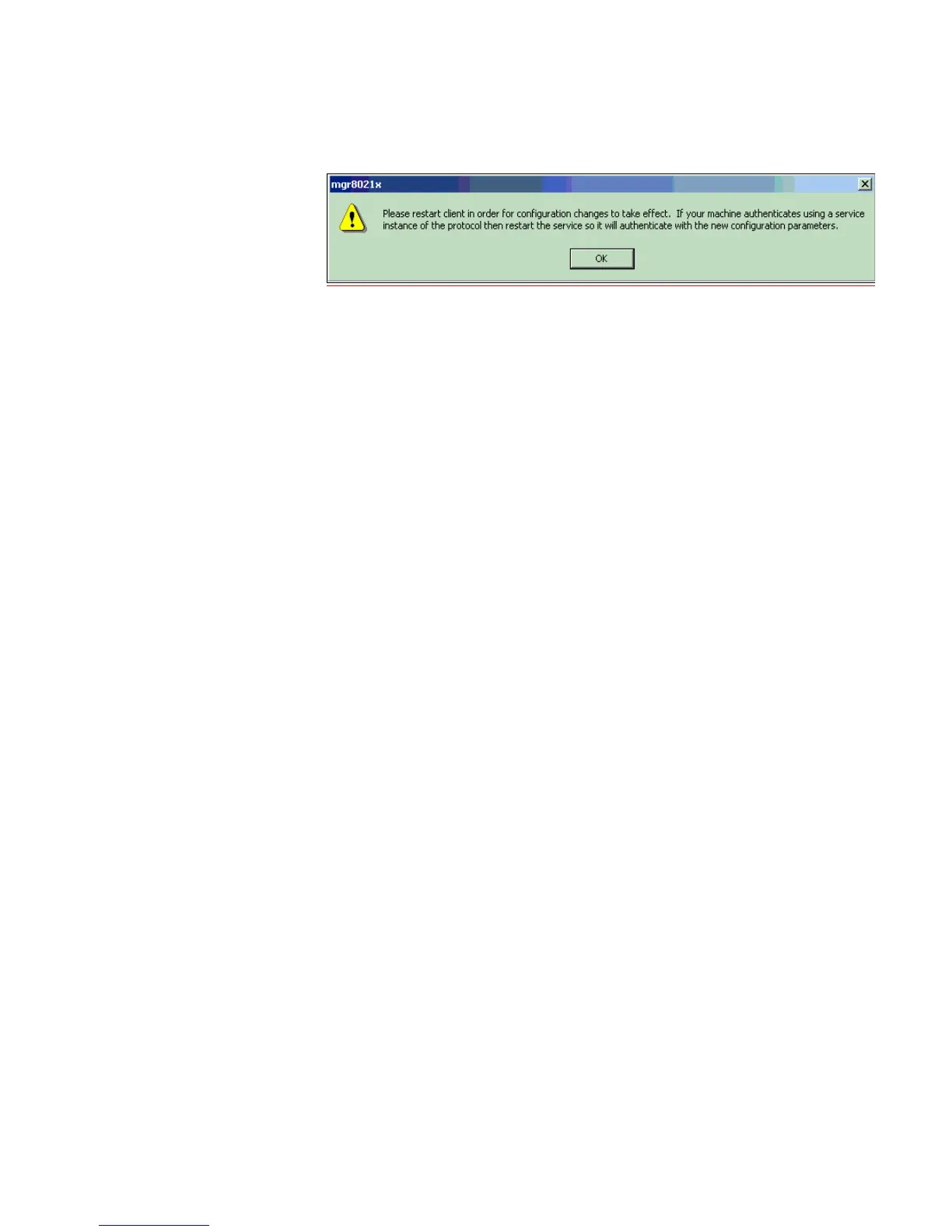
e Restart the client either by rebooting, or stopping and re-starting the service.
f Click the OK button, then return tothe Aegis Client main interface. To restart
the client, press the button with the red-cross. If authentication is successful,
the icon will turn green.













 To Next Page