428 CHAPTER C: AUTHENTICATING THE SWITCH 5500G-EI WITH CISCO SECURE ACS
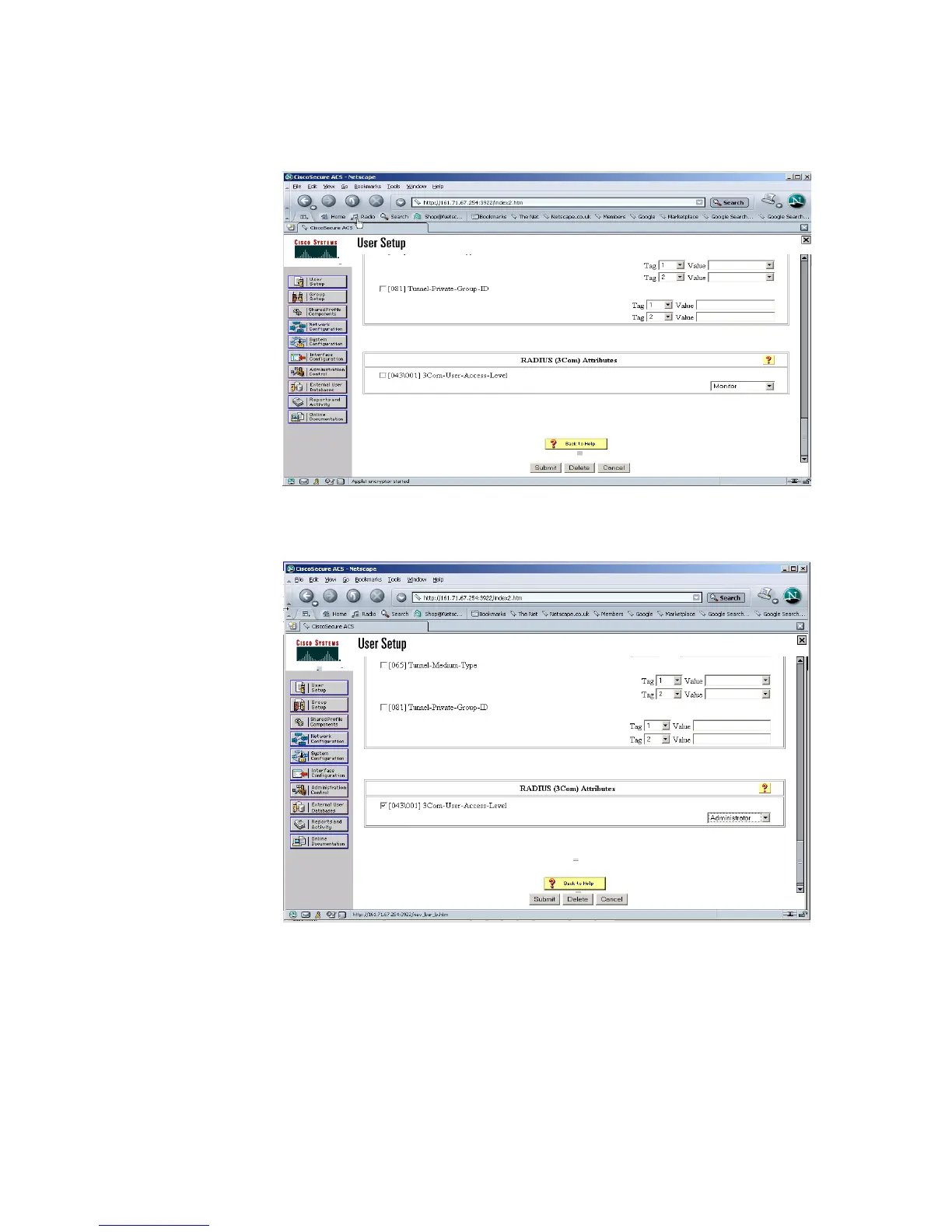
by scrolling to the bottom of the user profile where there should be the option for
configuring the access level as shown below:
6 In the RADIUS (3Com) Attribute box , check 3Com-User-Access-Level and select
Administrator from the pull down list, see below:
7 Select Submit.
The Switch 5500G-EI can now be managed by the Network Administrator through
the CISCO Secure ACS server.













 To Next Page