72 CHAPTER 3: VLAN OPERATION
Perform the following configuration in System View.
The default aging time is 1440 minutes.
Displaying and
Debugging of Voice
VLAN
After completing the above configuration, enter the display command in any
view to view the configuration and running state of Voice VLAN.
Voice VLAN
Configuration Example
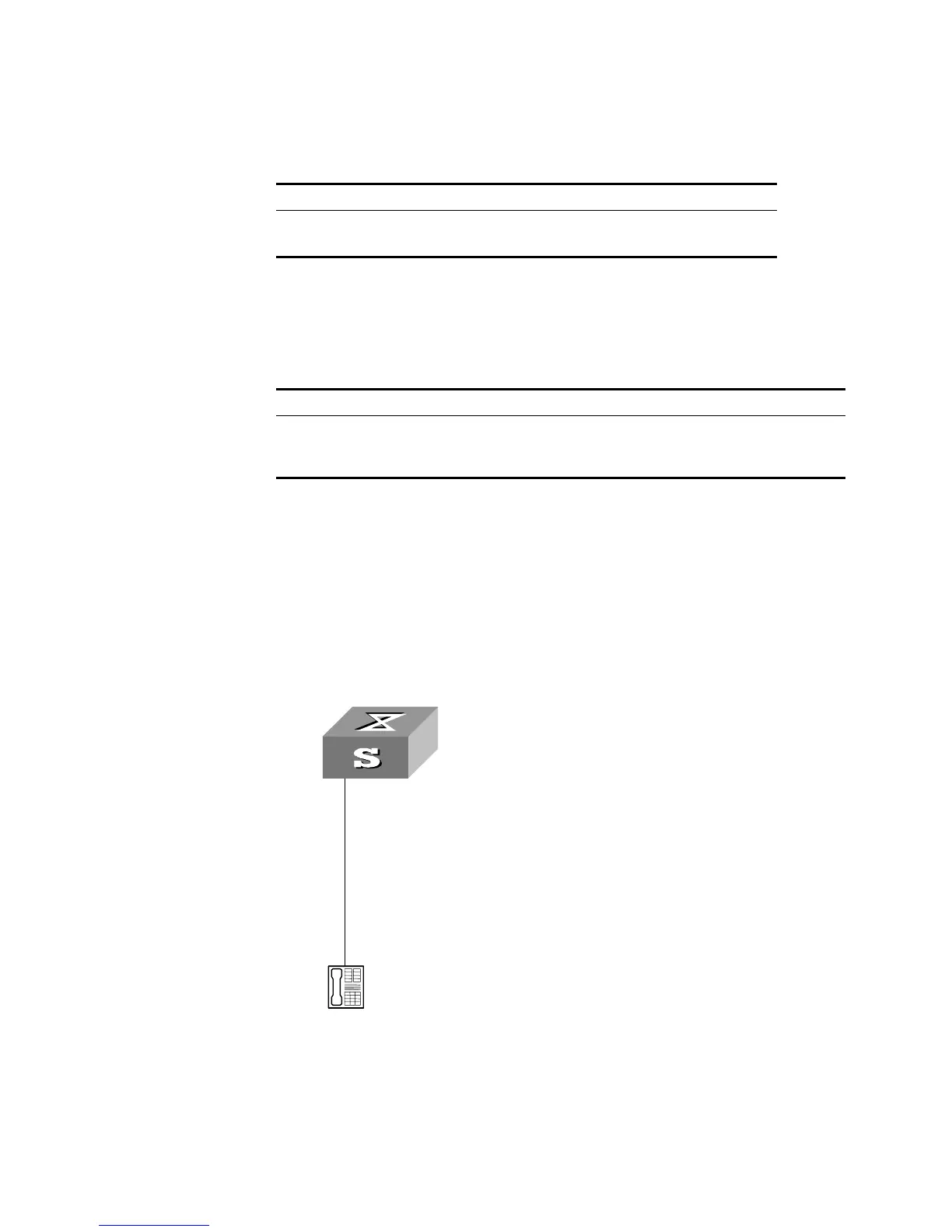
Networking Requirements
Create VLAN 2 as the Voice VLAN in manual mode and enable its security mode. It
is required to set the aging time to 100 minutes, the OUI address to
0011-2200-0000, and configure the port GigabitEthernet1/0/2 as the IP Phone
access port. The type of IP Phone is untagged.
Network Diagram
Figure 16 Voice VLAN Configuration
Configuration Steps
[SW5500]vlan 2
[SW5500-vlan2]port gigabitethernet1/0/2
[SW5500-vlan2]interface gigabitethernet1/0/2
[SW5500-GigabitEthernet1/0/2]voice vlan enable
Table 65 Configuring the Aging Time of Voice VLAN
Operation command
Set the aging time of Voice VLAN voice vlan aging
minutes
Restore the default aging time undo voice vlan aging
Table 66 Displaying Voice VLAN
Operation Command
Display the status of Voice VLAN display voice vlan status
Display the OUI address supported by the current
system
display voice vlan oui
Telephone
Switch
Ethernet1/0/2
VLAN 2
Telephone
Switch
Ethernet1/0/2
VLAN 2













 To Next Page