- 12 -
VERSION: 1.9.2012
© AROJA, s.r.o. 2012
9.5 VYJMUTÍ MODELU Z TISKÁRNY
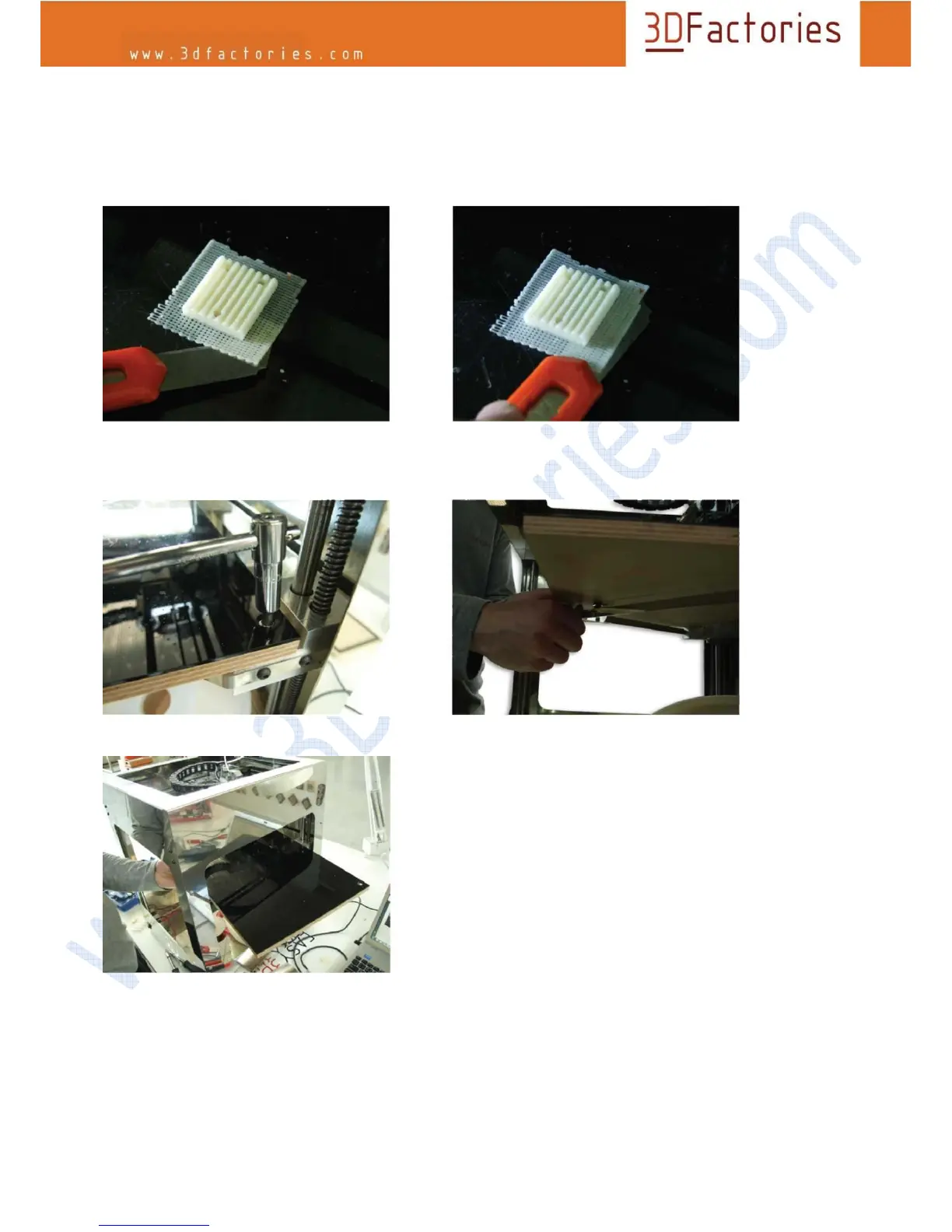
For better access to print flat scroll to the bottom position. Using a knife or spatula peel first corner base layer
of the model, and then gradually podeberte and remove the entire model.
If there is to fuse the model to the motherboard and it is difficult to peel off the model it is possible to remove
the entire board for better access to the model. (after removal of the plates must be re-calibrate its height)
Loosen the screws plates, then loosen the set screw and pull together to release the ezámečků, then lift and
pull the plate side facing out from the machine.



 To Next Page