13. Safety Z position defines Z position of the Arm during X and Y movement. This field is filled in automatically. Its value is equal with the Z negative
end position +500µm. If the difference is less than 500µm, the software signs the error with red color.
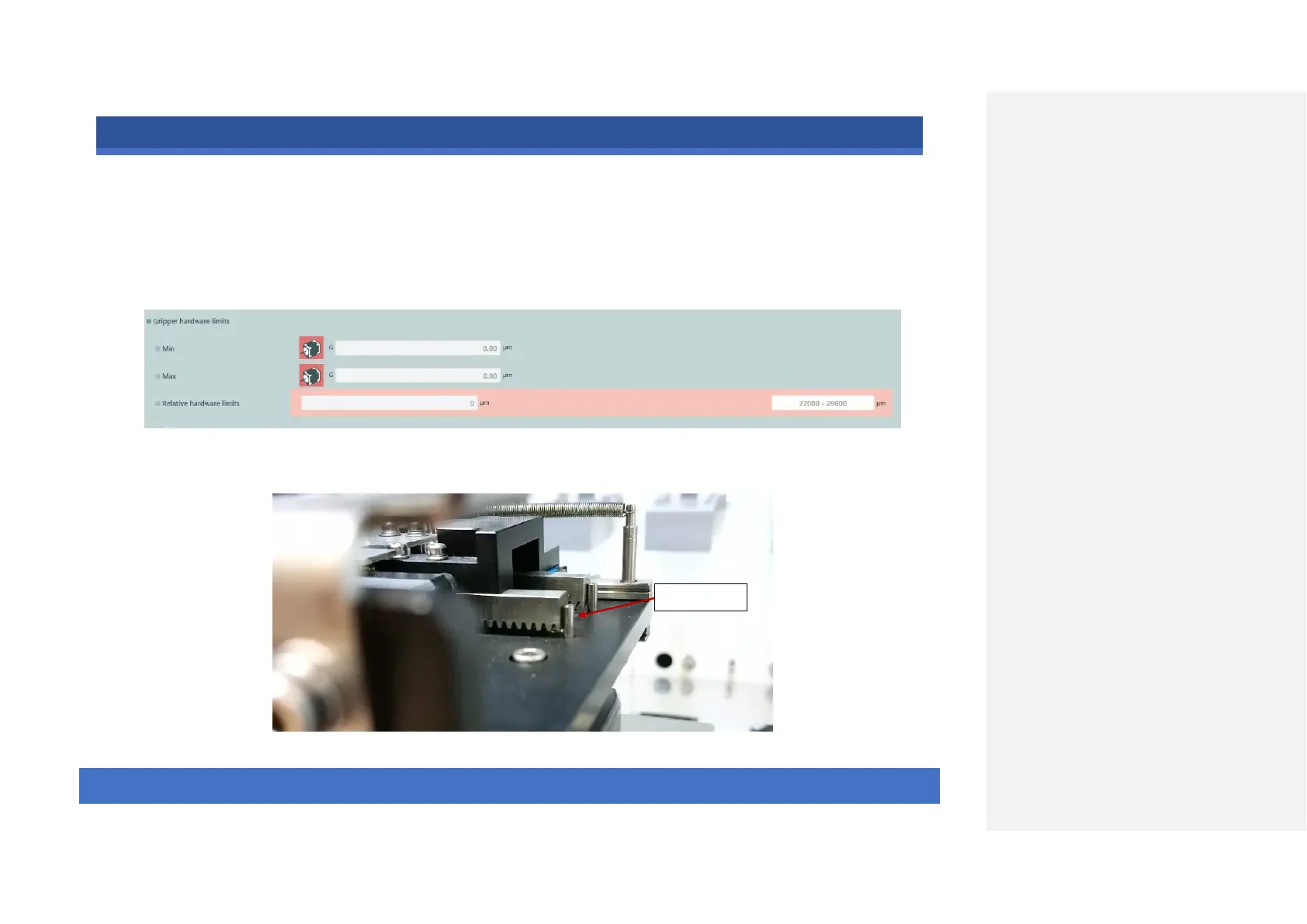
14. The next step is defining the hardware limits of the Gripper arm. The Arm operates with an opto-gate, not by the encoder. Thus, if the unit
collides and the motor missteps, the software does not detect it. In such cases, the unit must ALWAYS be sent to Zero/Home position. Start the
adjustment by sending the Arm home since the Gripper position is currently undefined.
Find the signed pin (negative end position); the pins have a good visibility. Starting to navigate in negative direction, the shoes close.



 To Next Page