HOW TO CHANGE DAYS BETWEEN REGENERATION
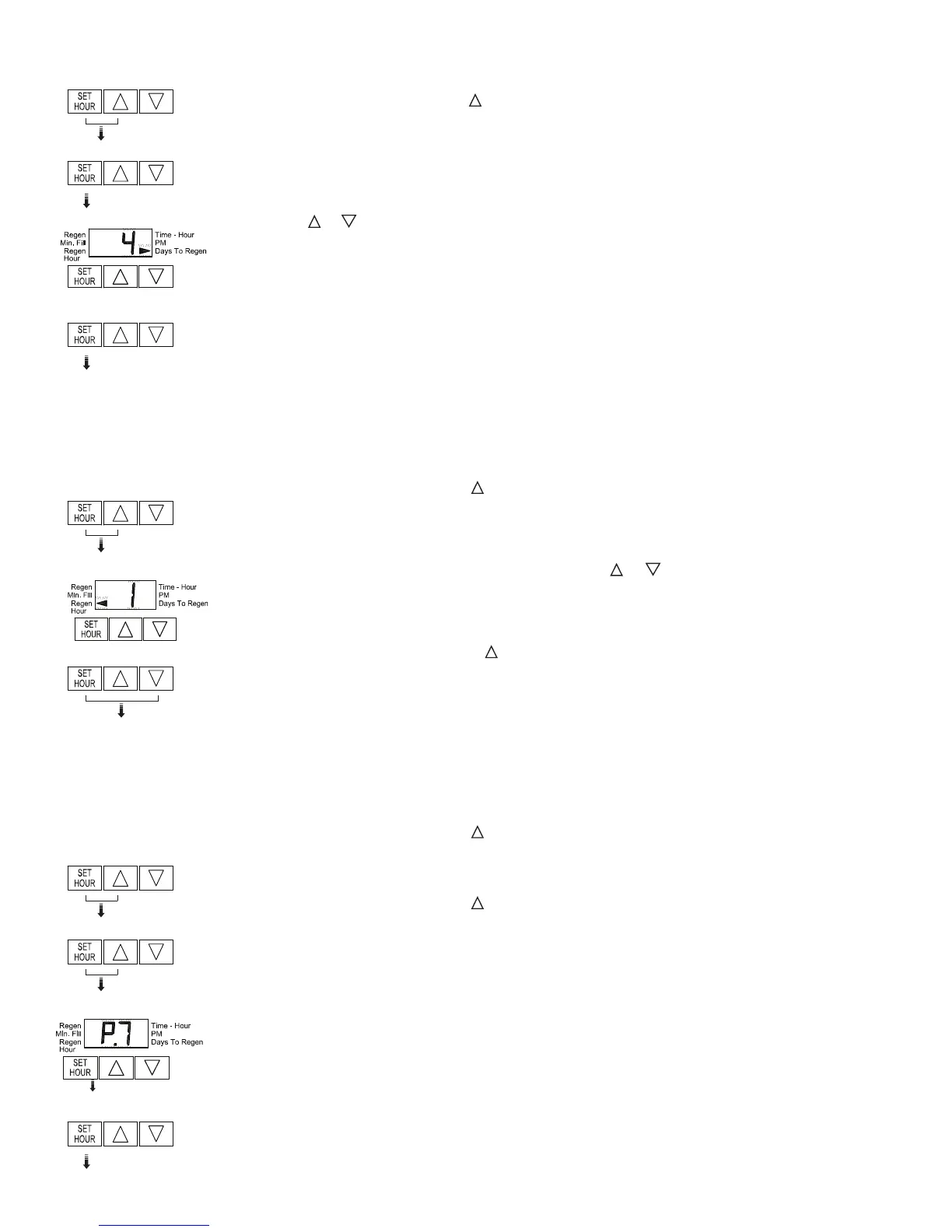
STEP 1 - Press and hold SET HOUR and buttons simultaneously for three (3) seconds and release.
STEP 2 - Press SET HOUR button.
STEP 3 - Press
or buttons to change the number of days between regenerations.
STEP 4 - Press SET HOUR to return to the display mode.
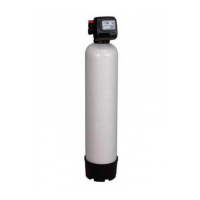
Note: Your Iron Reduction System is factory preset for 4 days between regenerations.
HOW TO CHANGE TIME OF REGENERATION
STEP 1 - Press and hold SET HOUR and buttons simultaneously until the display begins fl ashing (usually
about three (3) seconds).
STEP 2 - Set the clock display to the closest hour by pressing or button. An arrow will appear in the
display pointing to PM during PM hours.
STEP 3 - Press and release SET HOUR and buttons simultaneously to return to the display mode.
Note: Your Iron Reduction System is factory set to regenerate at 1:00 AM.
HOW TO CHANGE THE REGENERATION PROGRAM SETTINGS
STEP 1 - Press and hold SET HOUR and buttons simultaneously until the display begins fl ashing (usually
about three (3) seconds).
STEP 2 - Press and hold SET HOUR and
buttons simultaneously until the display begins fl ashing (usually
about three (3) seconds).
STEP 3 - Press the button to change the display to P8 or P9.
STEP 4 - Press the SET HOUR button fi ve (5) times to return to the display mode. The time of day should be
in the display.
3-9


 To Next Page
 Loading...