11
VIDEO MODE
To record a video, make sure the camera
is in Video mode
which should be
displayed on the LCD Screen
. If not,
long press the Shuer/Select
Buon
repeatedly until appears.
TO START RECORDING
•
Short press the Shuer/Select Buon.
The red recording icon
on the LCD
Screen will appear and flash red and
the Indicator Light
will flash blue
which indicates that a recording is
in progress.
•
The elapsed recording time will
be displayed at the top of the
LCD Screen.
•
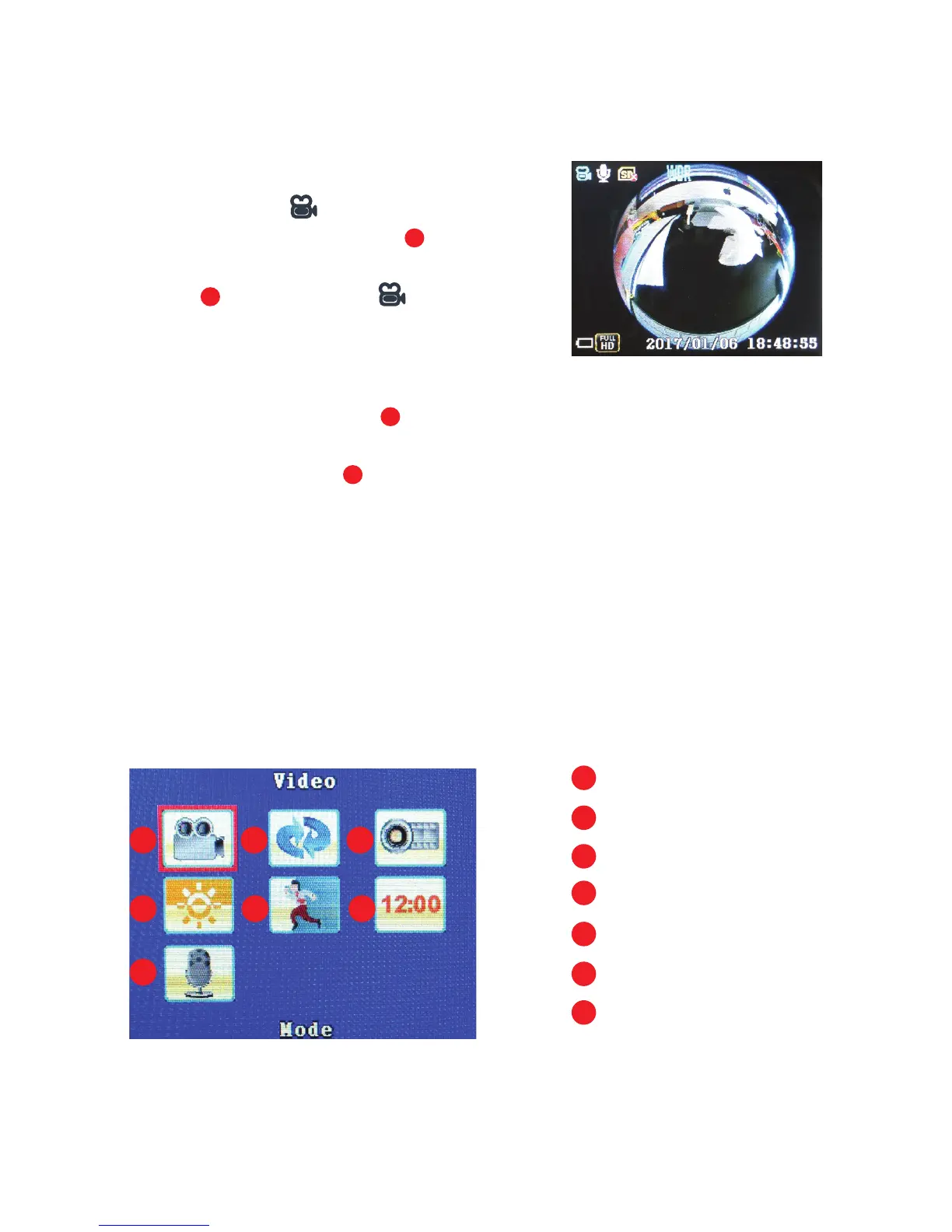
The LCD Screen will indicate the Video
seings if preselected:
LCD Screen in ‘Video’ mode
LCD Screen in ‘Video’ seings menu
10
11
5
a
e
cb
fd
g
a
e
c
g
b
f
d
Mode
Loop Recording
Time Lapse
WDR
Motion
Time Stamp
MIC



 To Next Page