19
CONNECTING TO THE APP
FOR THE FIRST TIME
1. Press the Power/Mode Buon
to power the camera ON.
2. Make sure the camera is in standby
mode (where the camera is ON and
not recording).
3. Long press the Wi-Fi Buon
on the camera to turn on Wi-Fi.
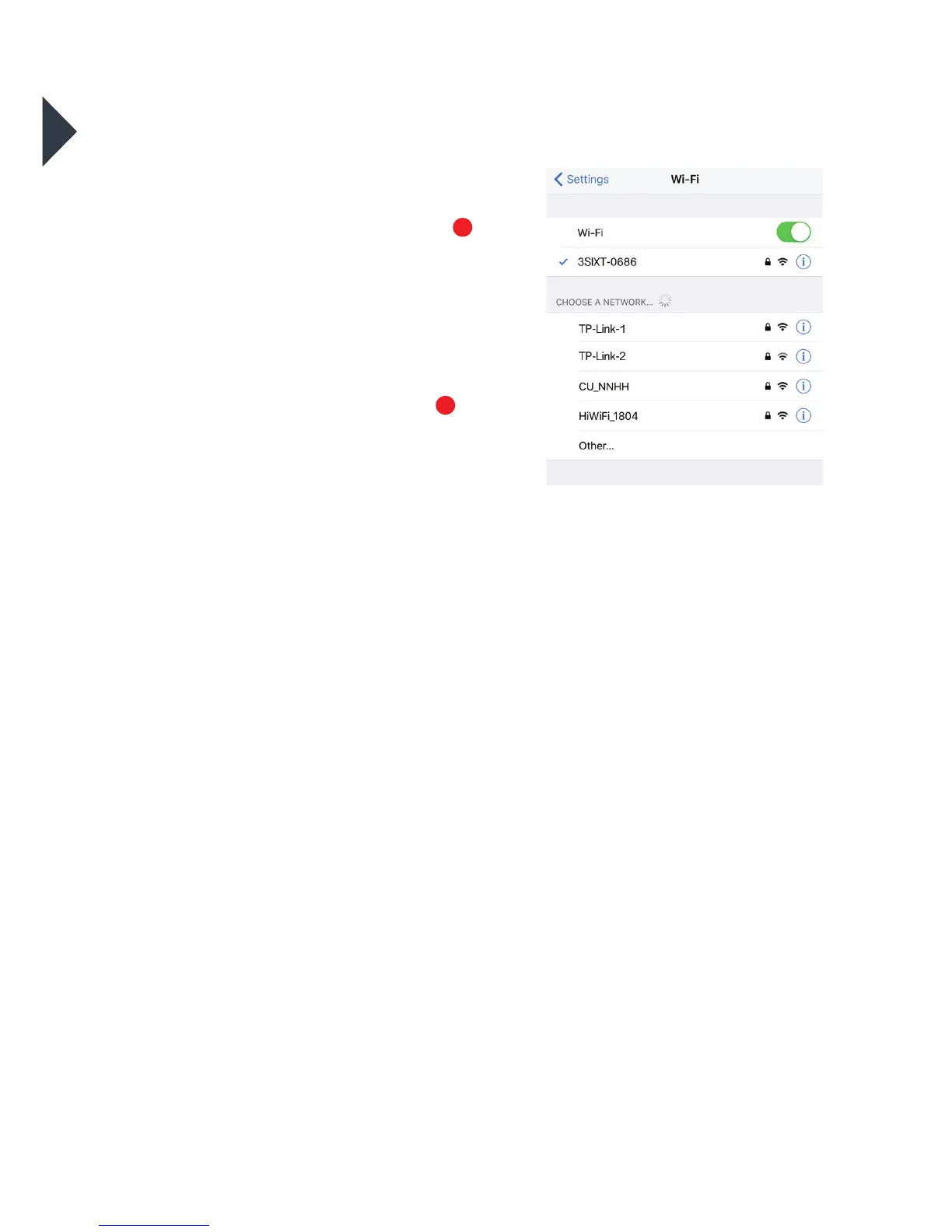
4. In your device’s Wi-Fi seings,
connect to the network called
“3SIXT-0686”.
5. Enter the password “1234567890”.
6. Open the OTCam App on your device.
7. Add the new camera and allow access
to your photos folder when prompted.
1
2



 To Next Page