6, MAINTENANCE
Cleaning and storage
6.1
• Store your power meters in temperatures no colder than -400C (-400 F) and no
warmer than 600C (1400 F).
• Use only water and mild soap to clean your crank set. Do not expose the power
meter to degreasers, or abrasive or corrosive cleaning agents. Do not pressure wash
your power meters.
• Keep water or liquids away from the power meters when the caps are off
for maintenance.
Battery life and battery replacements
6.2
Your power meter comes with one CR2032 coin cell battery, which allow for up to 800 hours
of riding. Replacement CR2032 batteries can be purchased wherever batteries are sold.
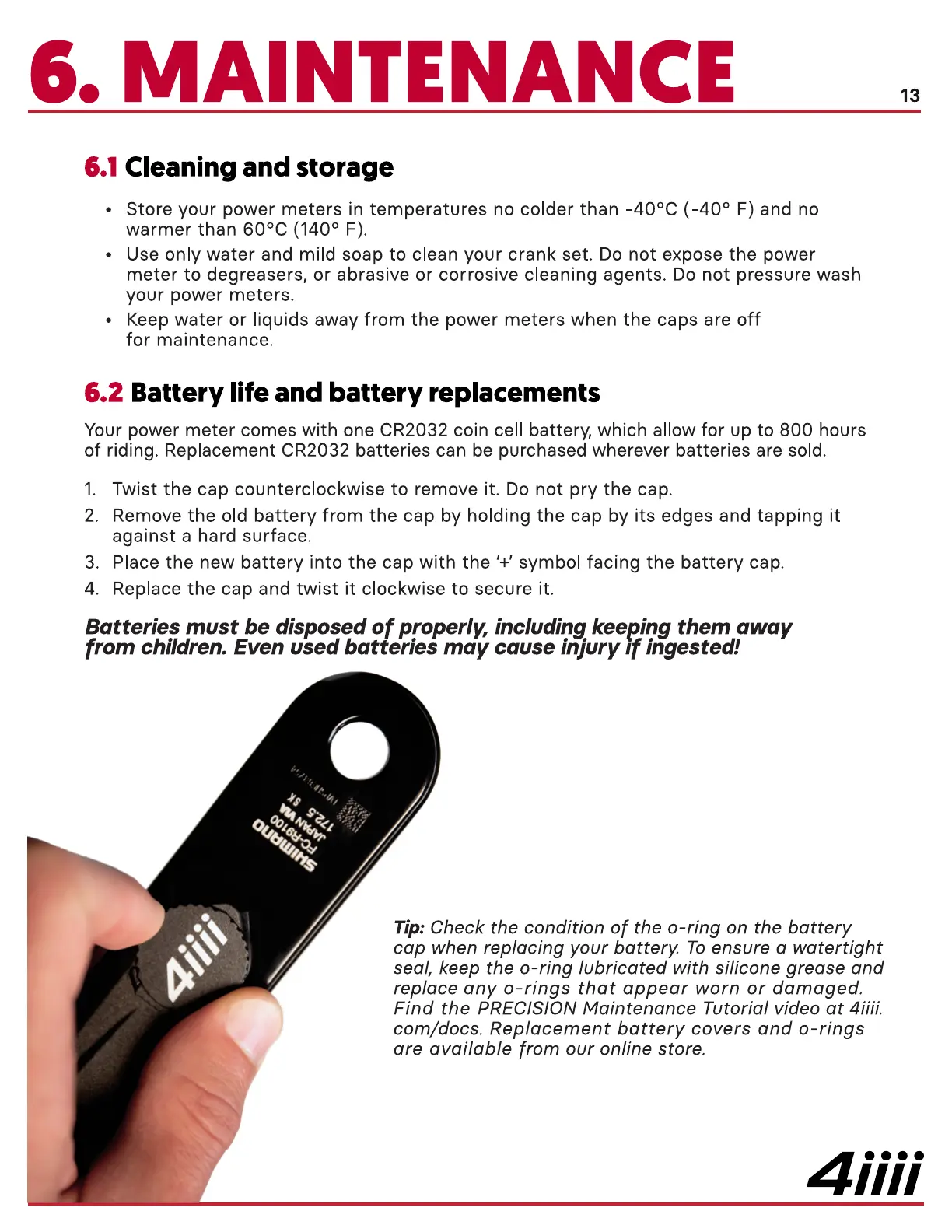
1. Twist the cap counterclockwise to remove it. Do not pry the cap.
2. Remove the old battery from the cap by holding the cap by its edges and tapping it
against a hard surface.
3. Place the new battery into the cap with the '+' symbol facing the battery cap.
4. Replace the cap and twist it clockwise to secure it.
Batteries must be disposed of properly, including keeping them away
from children. Even used batteries may cause injury If ingested!
13
Tip: Check the condition of the O-ring on the battery
cap when replacing your battery. To ensure a watertight
seal, keep the O-ring lubricated with silicone grease and
replace any o-rings that appear worn or damaged.
Find the PRECISION Maintenance Tutorial video at 4iiii.
com/docs. Replacement battery covers and o-rings
are available from our online store.
4iiii


 To Next Page
 Loading...
