User’s Manual
WHG Controller / HSG Gateway ENGLISH
5) Proxy Server
The system provides a Built-in Proxy Server and External Proxy Server function. After successful authentication,
the clients’ will be directed back to the desired proxy servers.
Basically, a proxy server can help clients access the network resources more quickly. This section presents basic
examples for configuring the proxy server settings of the WHG CONTROLLER.
Using Internet Proxy Server
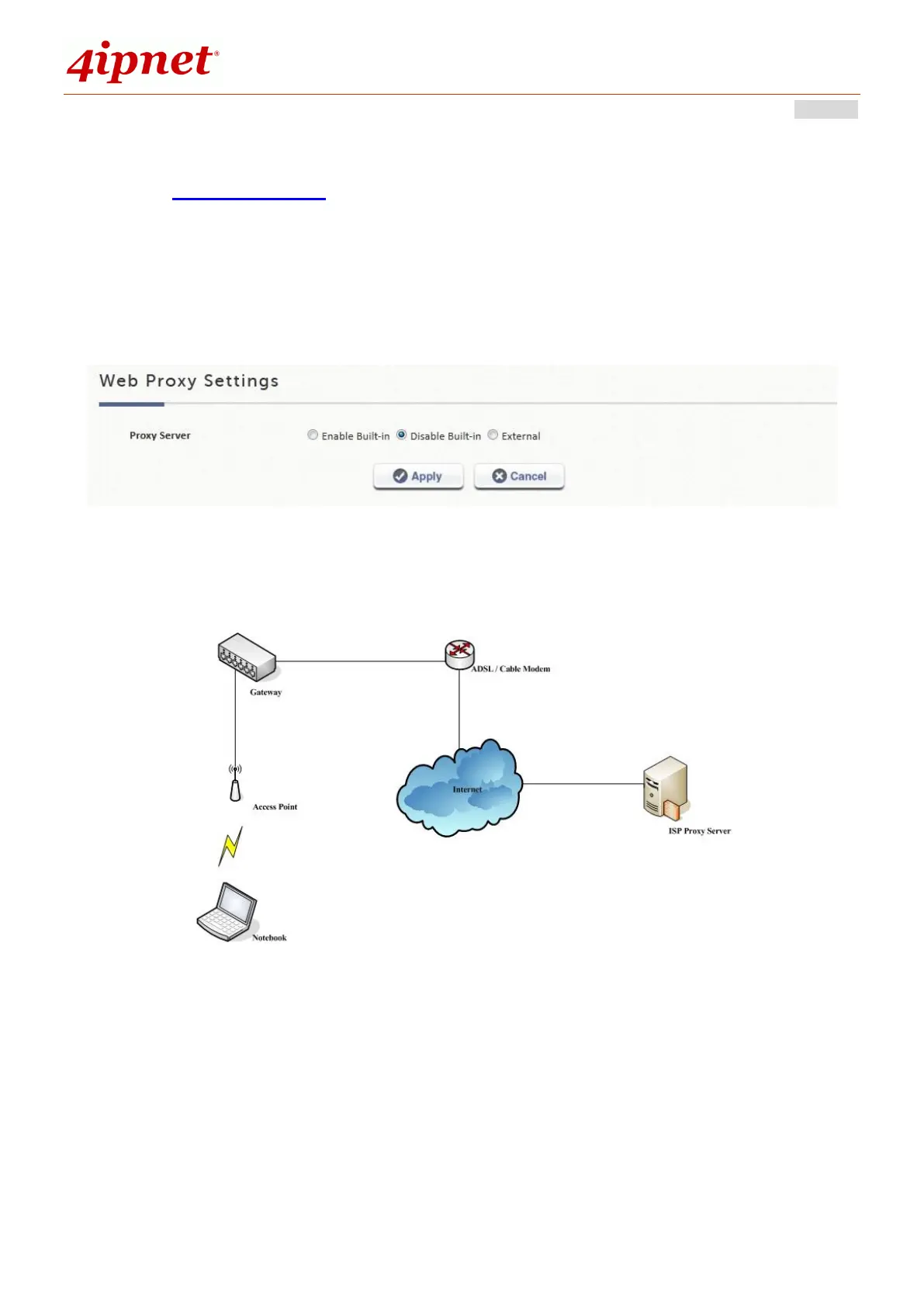
A built in proxy server in the controller can be Enabled, even with a Proxy Server placed outside the LAN
environment or in the Internet. For example, the following diagram illustrates how a proxy server of an ISP is used.
Follow the following steps to complete the proxy configuration:
Step 1. Log into the system by using the admin account.
Step 2. Network >> Proxy Server >> Web Proxy Settings page.
Enable the Built-in Proxy Server. Click Apply to save the settings.



 To Next Page